


Rob Webb is a passionate tech writer and lifestyle enthusiast residing in the picturesque English Cotswolds.
Managing subscriptions directly from your iPhone is one of the simplest ways to prevent unwanted charges and keep track of active services. Whether you're looking to cancel a streaming platform, cloud storage plan or any other recurring charge that you signed up for throughIf you download an app from the App Store, you may find the app unlocks additional features through a subscription.
It’s easy to manage your subscription and app directly through your iPhone, allowing you to keep an eye on what you’re paying out. Some apps might tempt you with a free trial, so if you don’t want to pay a monthly subscription fee or you’ve had enough of your subscription, you can cancel or renew on your iPhone. Here’s how to find and cancel your subscriptions on iPhone.Apple allows you to manage and cancel App Store subscriptions pretty easily. Subscriptions tied to your Apple ID include services such as Apple Music, Apple TV+, Apple Arcade, iCloud+ and third-party offerings purchased through the App Store.If the subscription is already marked as “Canceled” or shows an expiration date, no further action is needed. Keep in mind that when you cancel a subscription, it typically remains active until the end of the current billing cycle. You won’t be charged again, but you’ll still be able to use the service until the subscription officially ends.This method leads to the same subscription menu found in the Settings app, so it’s simply a different way to get there. Both approaches work equally well, as they require the same number of taps.If a subscription you want to cancel isn’t listed in the Subscriptions section, it may not be billed through Apple. Some services, such as Spotify, Netflix orLook at or search for the confirmation emails you received when signing up.Open the app and look under its account or settings section for billing info. If the subscription isn’t associated with your Apple ID, canceling it will require visiting the provider’s website or app, or contacting its customer support directly.If you’re subscribed to Apple One, which bundles several Apple services into one plan, you can cancel the entire bundle or individual services to stop using them.Canceling Apple One may remove access to multiple services, including Apple Music, iCloud+, and Apple Arcade, depending on your plan.If you signed up for a free trial, be sure to cancel before the trial period ends to avoid charges. Apple will begin billing you automatically once the trial converts to a paid subscription.If you change your mind and want to restart a canceled subscription, you can do so from the same Subscriptions menu, as long as the service is still available.5GB plan to cancel your paid plan.These entries can’t be canceled again and are listed for reference only. If a subscription you no longer use is listed under “Active,” it’s still billing and needs to be manually canceled.If you're in a Family Sharing group, know that some subscriptions can be shared or managed by the organizer.If a subscription doesn’t have a cancel option or is listed as “renewing soon,” you may not be able to cancel it from the iPhone directly. In this case:Try restarting your iPhone and checking the Subscriptions list again. If it’s an Apple service like iCloud+ and the cancel button isn’t visible, you may need to change your iCloud storage plan instead.
Apple Music Apple ID Settings App Subscriptions Apple Arcade
United States Latest News, United States Headlines
Similar News:You can also read news stories similar to this one that we have collected from other news sources.
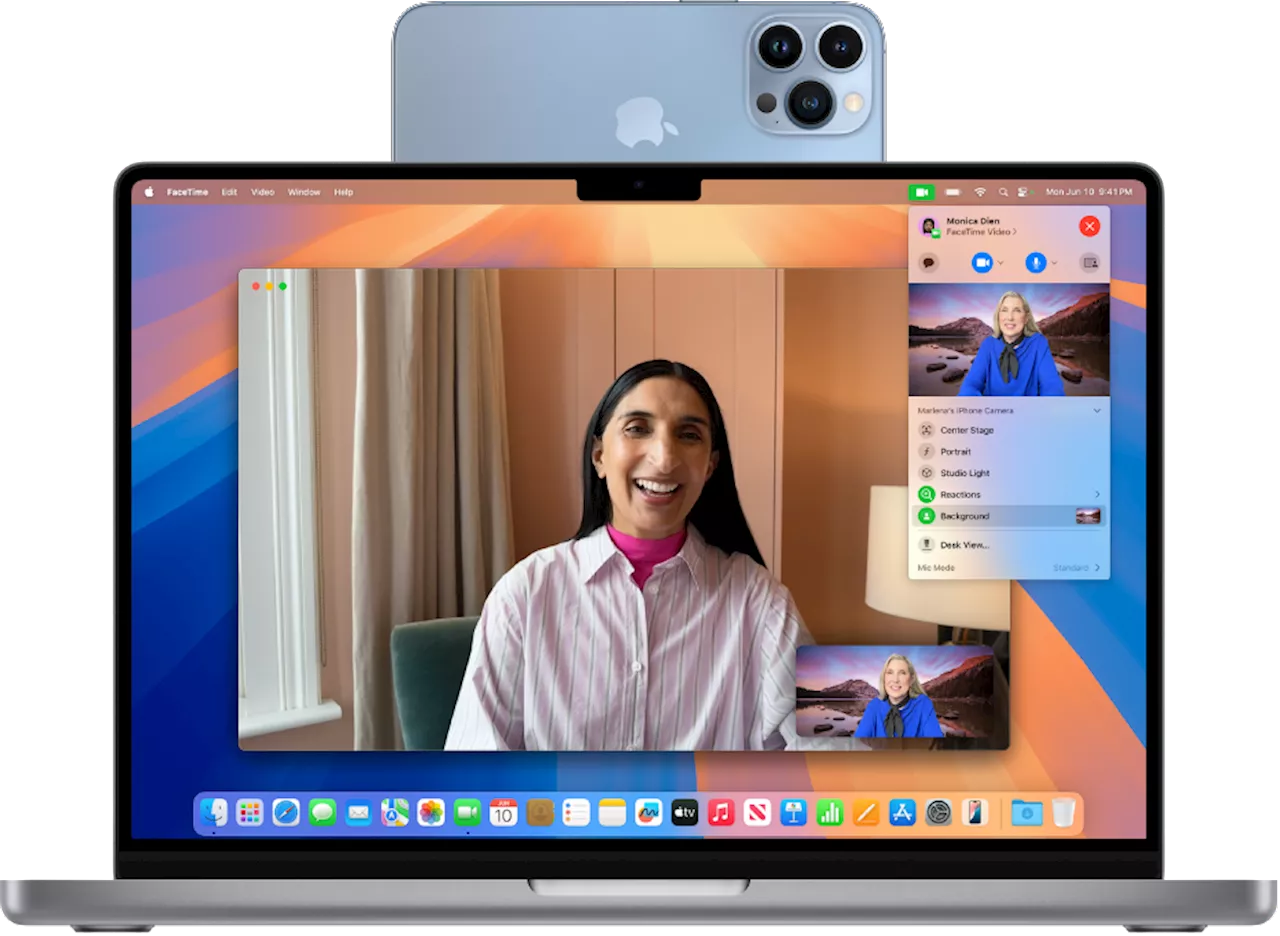 How to use your iPhone as a webcam with your MacRob Webb is a passionate tech writer and lifestyle enthusiast residing in the picturesque English Cotswolds.
Read more »
 California AG Rob Bonta discusses battle with Trump administration during first 100 daysOn the 100th day of President Trump's second term in office, California Attorney General Rob Bonta filed his 16th lawsuit against the president's administration.
Read more »
 Masked men impersonating NYPD violently rob Brooklyn bodegaA bodega in Bedstuy, Brooklyn was robbed by four men impersonating NYPD officers.
Read more »
 James Webb captures another stunning image of thousands of distant galaxiesA new image from the James Webb Space Telescope shows thousands of galaxies glittering in space.
Read more »
 Rob McElhenney talks 'Welcome to Wrexham' season 4 and making English soccer historySeason four premieres May 15 on FX and streams the next day on Hulu
Read more »
 Rob McElhenney talks 'Welcome to Wrexham' season 4 and making English soccer historySeason four premieres May 15 on FX and streams the next day on Hulu
Read more »