


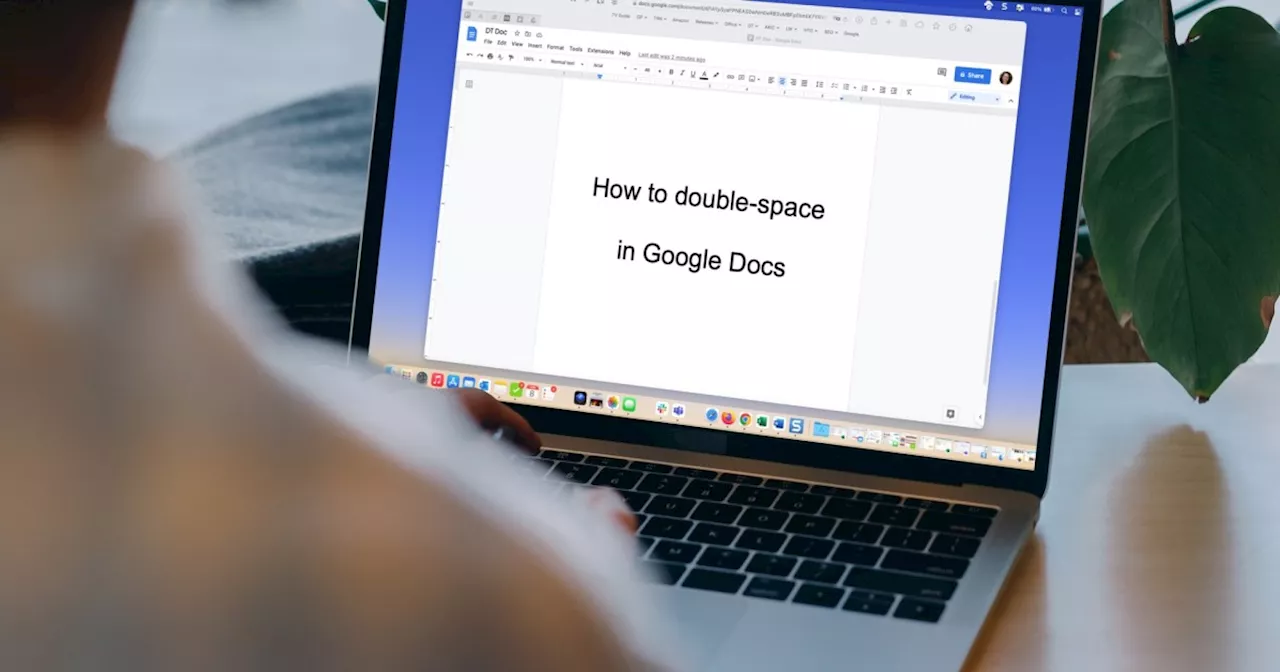
Whether you have a requirement to use double-spacing or simply prefer it, you can format your document easily. Here’s how to double-space in Google Docs.
Whether for personal preference or as a requirement for the APA or MLA writing style, we’ll show you how to double-space in Google Docs . Contents The nice part about this format in Google Docs is that you can apply it to the entire document or only selected blocks of text.
Plus, you can double-space in Google Docs on the web and in the mobile app. Recommended Videos Difficulty Easy Duration 5 minutes What You Need Quick answer: If you're on the web client and want to get things done fast, all you need to do is click"Format" at the top, go to"Line & paragraph spacing" and then select"Double".Double-space in Google Docs on the webHead to Google Docs on the web, sign in, and open your document or create a new one. Step 1: If you already have text on the page, select all relevant text in your document that you want to transform to double-spacing. Step 2: Go to the toolbar and select the Line and paragraph spacing button or go to the Format menu and choose Line and paragraph spacing.Step 4: Your selected text or new document now have double-spacing applied. You can follow the same steps to choose a different line spacing option later if you like. Double-space in Google Docs in the mobile appIf you use the Google Docs mobile app on Android or iPhone, you can apply double-spacing to your document there as well. Open the app and follow these steps. Step 1: Create a new document or open an existing one. Select the Edit button on the bottom right to enter edit mode. Step 2: If you have existing text that you want to double-space, select it. You can tap and hold a word on Android or double-tap one on iPhone and then drag the small blue circle through the text.Step 3: Tap the Format icon at the top, which is an uppercase A with four lines on Android and an uppercase underlined A on iPhone.Step 5: Next to Line spacing, tap the Arrow on the far right pointing up until you reach 2 or 2.00.Follow the same process to choose a different line spacing option later if needed. Now that you know how to double-space in Google Docs, find out how to apply strikethrough in Google Docs or how to select more than one portion of text.
Document Double Space Format Formatting Google Docs
United States Latest News, United States Headlines
Similar News:You can also read news stories similar to this one that we have collected from other news sources.
 Google's upcoming call transfer feature is coming along and might start with Google Meet firstJohanna 'Jojo the Techie' is a skilled mobile technology expert with over 15 years of hands-on experience, specializing in the Google ecosystem and Pixel devices. Known for her user-friendly approach, she leverages her vast tech support background to provide accessible and insightful coverage on latest technology trends.
Read more »
 How to Free Up Space in Gmail, Google Photos, and Google DriveGoogle offers 15 GB of free storage with every account, but many users are hitting the limit. Use these tips to clear some room, and tidy your inbox while you’re at it.
Read more »
 Google rolls out new Nest Cam features to Google Home for webGoogle Home for web is more functional than ever, thanks to an update that added further support for Nest Cam products. Here's a look at the new features.
Read more »
 How to create a folder in Google DocsDo you need to organize a spread of documents, pictures, and videos scattered throughout your Google Docs? It’s time you learned how to make folders, friend.
Read more »
 Google sues developers for putting 87 crypto scam apps onto Google PlayGoogle claims that the developers allegedly violated the RICO Act, enacted wire fraud and breached various policies on Google's platforms.
Read more »
 Google Podcasts App Discontinued and Added to Google GraveyardThe Google Podcasts app, which was once popular with over 500 million downloads, has been discontinued and added to the Google Graveyard, a site for discontinued Google projects.
Read more »