This article provides step-by-step instructions on how to download TikTok videos to your mobile device or computer. It covers different methods including using the in-app download feature, the TikTok website, and screen recording.
You should be able to download any video you have published to the platform, pending a complete ban of TikTok in the US. You can also download other creators’ videos, assuming they have made the video public and enabled the privacy setting that lets other users download their clips.
If you follow our steps below and you don’t see the option to save it locally, it’s likely the creator has restricted the sharing permissions on that video so that no one else can download it. If you’re a creator who wants to back up your own clips, or you just want to hoard your all-time TikTok faves, here’s how to download those videos. January 2025: This article was updated to reflect current details about downloading TikTok videos. Save TikTok Videos to Your Phone For most people, TikTok is a purely mobile experience: They watch, create, and post videos entirely with their phones. If you’re a mobile-first TikTok creator, then the videos you’ve shot may already be saved somewhere on your phone. But maybe you’ve switched phones, or you’ve deleted local copies of those old videos to free up space. If your videos are only stored in TikTok’s cloud, you can still likely download all of them onto your phone. It’s a bit easier to download videos onto a computer than it is to get them onto your phone. There are a few extra steps on mobile, so if you have dozens or even hundreds of videos to back up, maybe follow the instructions listed further down that explain how to get the videos onto your computer instead. Here are the instructions for iPhones and Android devices: Go to any TikTok video. On your own videos, tap the three dots in the lower-right corner of the screen, and for other creator videos that are available to download, tap the arrow-shaped Share button in the same area. A series of gray icons will appear along the bottom of the screen. Tap the one that says Save Video. A percentage counter will appear onscreen, indicating that the app is processing the video. This usually goes very quickly, so you might not even see it, but that depends on your internet connection speed. Next, an array of sharing options pop up. Scroll to the right and click the three dots. Here, you can choose the email option to send the file to yourself as an attachment, or upload it to a cloud service like Google Drive. There will be even more options based on your smartphone’s apps. Look for any options that allow you to save the video locally. On Android, the best option for saving a video to your phone will be labeled Files by Google. Tap this icon to download the video to your phone, then use Android’s built-in Files app to browse your downloads. On iOS, look for the option Save to Files, then choose to save the video either in your device’s internal storage or in your iCloud drive. Download TikTok Videos to Your Computer The simplest option for collecting your work is to download the videos from TikTok’s website or desktop app. This process is very easy compared to the mobile option. Go to your favorite video on TikTok.com and right-click on it. If you’re looking at your own video and you’re logged in to your account, or if the video’s creator has marked their posts as downloadable, there will be an option in the right-click menu that says Download Video. Click that option. Congrats, you’ve done it! The video will be saved as an MP4 in your downloads folder. If you don’t see the option to download the video when you right-click, that probably means the video’s creator hasn’t shared the video publicly or has chosen to disallow downloads. Use Screen Record It’s not the tidiest option, but you can also record a copy of the video via screen record on your phone. Screen record basically takes a video screenshot; once turned on, it will record whatever is playing on your screen until you hit Stop. Play the TikTok clip while screen recording and you’ll have a quick-and-dirty copy saved to your device. You’ll need to play the video all the way through in real time. Keep in mind that this will capture everything that happens on the screen while you’re recording, so if a notification pops up or you swipe to another app, that will all be in the video. It also means you’ll still see all the menu buttons and text that are normally around the edges of the screen in a TikTok video, so it won’t be a perfectly clean copy, nor the best quality, but it may be better than nothing. You can record your screen on iOS and on Android phones with Android 11 or higher. To do this on iOS 18, first swipe down from the top right of your screen to access the Control Center. If you already see a gray circle with a white dot icon there, this is what you need to tap to start recording. If you don't, click and hold a blank space to edit your controls. Click Add a Control, and find it manually or search for it. On older versions of iOS, you will have to do this slightly different, by heading to Settings >Control Center and pressing the + icon next to Screen Recording. For Android users, swipe down from the top of your screen to bring up your notifications and settings screen. From there, you might have to expand the menu at top and swipe through your settings widgets. Look for Screen Record. Tap that and you’ll have options to record device audio as well as whether to show touches on the screen. Tap start to recording. What’s With the Watermark? If you’ve downloaded your videos, you probably noticed the faint TikTok watermark in the frame. This watermark will appear in any videos you’ve published as well as in videos you download from other creators. Unfortunately, there’s no official way to download a video directly from the platform after it’s been posted without that watermark being applied. If a video is still in your drafts in the TikTok app—meaning you’ve shot and edited it but not posted it yet—you can select the Save Video option and download a version of it without the watermark. In general, if you’re creating videos, your best bet is to use a separate video editing app to edit your video before posting it online. That way you’ll always have the original cut and not have to worry about whether your distribution platform—and all your hard work—is about to suddenly go poof.
TIKTOK DOWNLOAD VIDEOS MOBILE COMPUTER SCREEN RECORD
United States Latest News, United States Headlines
Similar News:You can also read news stories similar to this one that we have collected from other news sources.
 TikTok Ban Looms: How to Download Your VideosThe U.S. government is considering a ban on TikTok, with a deadline approaching. This article explains the potential consequences of a ban and provides instructions on how to download your videos from the platform.
Read more »
 French Authorities Arrest Three Algerians Over Violent TikTok VideosFrench authorities arrested three Algerian nationals suspected of inciting violence on TikTok. One blogger, known as 'Imad Tintin', faces terrorism charges for a video urging followers to commit acts of violence in France. Another, 'Zazou Youssef', was remanded in custody for publicly advocating terrorism.
Read more »
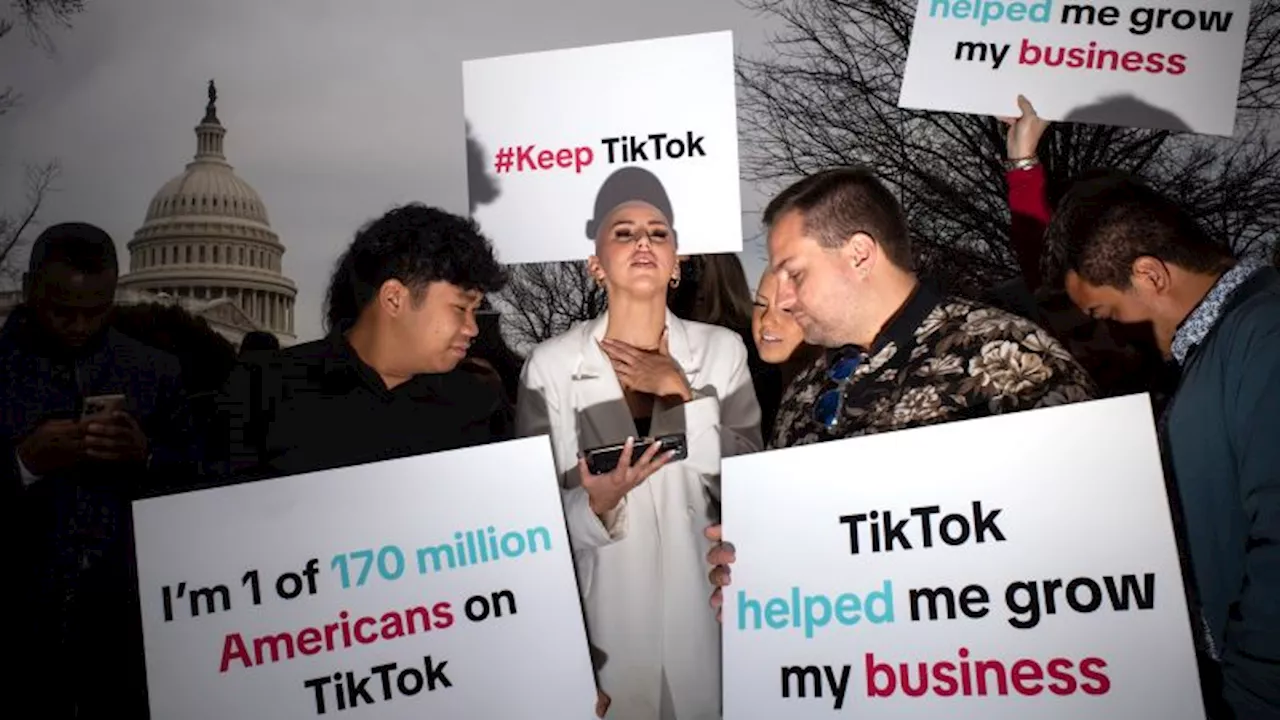 TikTok users want SCOTUS to think it’s more about dance videos than Chinese international intrigueTikTok, the popular social media platform celebrated for its frothy mix of dance videos, cat antics, news clips and recipes, will wage a substantial First Amendment battle at the Supreme Court on Friday.
Read more »
 Alabama Senior's Viral TikTok Videos Offer Relatable Glimpses into College LifeUniversity of Alabama senior Jamie Causey has gained a following on TikTok for her honest videos about the struggles and achievements of being a college student. From feeling unseen to navigating friendships and finances, Causey's relatable content has resonated with viewers, many of whom share her experiences.
Read more »
 TikTok Ban Imminent: Users Race to Download DataA ban on the Chinese-owned social media app TikTok in the United States is expected to take effect on Sunday, January 19th. The ban, mandated by legislation signed by President Biden last spring, raises concerns about national security. While the app's exact functionality after the ban remains unclear, some users are proactively downloading their data, including videos, likes, comments, and other information, anticipating potential loss of access.
Read more »
 Americans on TikTok Say ‘Goodbye’ to Their ‘Personal Chinese Spy’ in Viral VideosSource of breaking news and analysis, insightful commentary and original reporting, curated and written specifically for the new generation of independent and conservative thinkers.
Read more »