


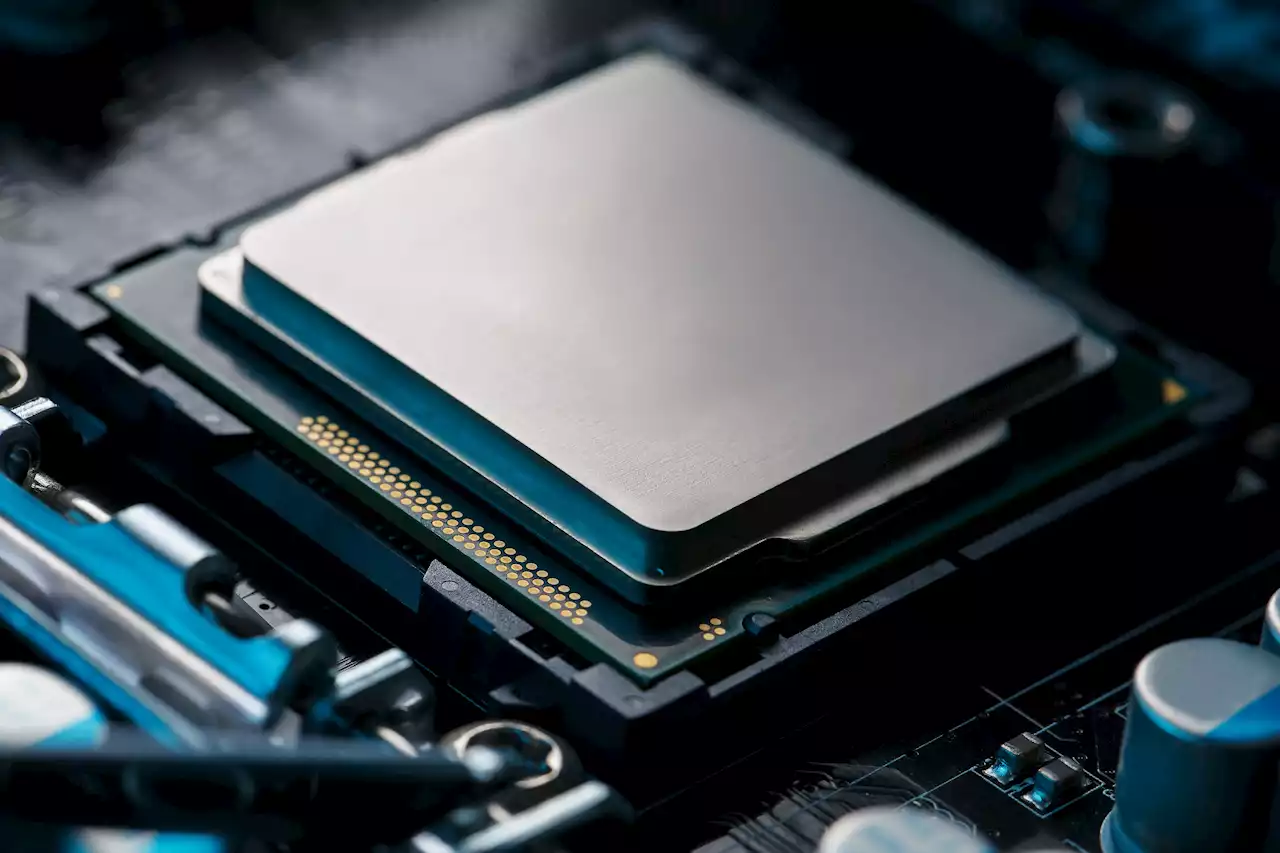
Users have reported that GPU software may be making some unexpected changes to AMD CPU settings without the user's permission.
AMD’s GPU software may be making changes to AMD CPUs The problem only appears to surface when using an AMD CPU paired with an AMD GPU. As such, users that have mixed and matched Intel with Radeon GPUs, or AMD CPUs withFor some reason, which AMD has yet to address, the AMD Adrenalin software that it offers for its GPUs has been making changes to AMD CPU settings.
The issue appears to happen when setting GPU profiles, including the default option, which is enabled automatically. The main issue that many are seeing is the overriding of custom BIOS settings for overclocking or undervolting. Thankfully, AMD’s chipsets have built-in systems to help keep them from taking any damage from the changes. However, it could see the Adrenalin software making arbitrary changes to your CPU settings. Those changes could hinder your PC’s overall performance, and might even lead to stability issues.detected, it looks like Adrenalin is able to change the power limit and maximum boost frequency of AMD CPUs using the PBO settings. The issue first popped up with the release of Adrenalin 22.3.1. This update introduced the AMD Ryzen Master module to the program. It is currently known if the stability issues occur on the default profile, or when users go back to change their AMD CPU settings.AMD has yet to offer an official explanation or solution. However, many AMD users have come up with their own ways to combat the issue. First, some users recommend going back into your motherboard’s BIOS settings and re-entering all of your previous CPU settings. If you run default settings, then you can simply disable PBO to stop Ryzen Master from making changes. There are also third-party software options out there like Radeon Software Slimmer. This will let you remove the Ryzen Master SDK from Adrenalin. While that will stop it from making changes to your AMD CPU settings, using a third-party program is always risky, and we don’t recommend it. The safest and easiest way to undo the changes is to create a new tuning profile for your GPU within Adrenalin. say that this will stop the software from making changes to your AMD CPU settings completely. Until AMD releases an actual fix, this looks to be the easiest and safest way to overcome this hurdle.Josh Hawkins fell in love with writing and technology at a young age. Eventually he decided to combine the two and started writing about video games, the latest tech, and all the cool gadgets he could find. Whenever he isn’t busy writing about tech or gadgets, he can usually be found enjoying a new world in a video game, or tinkering with something on his computer.