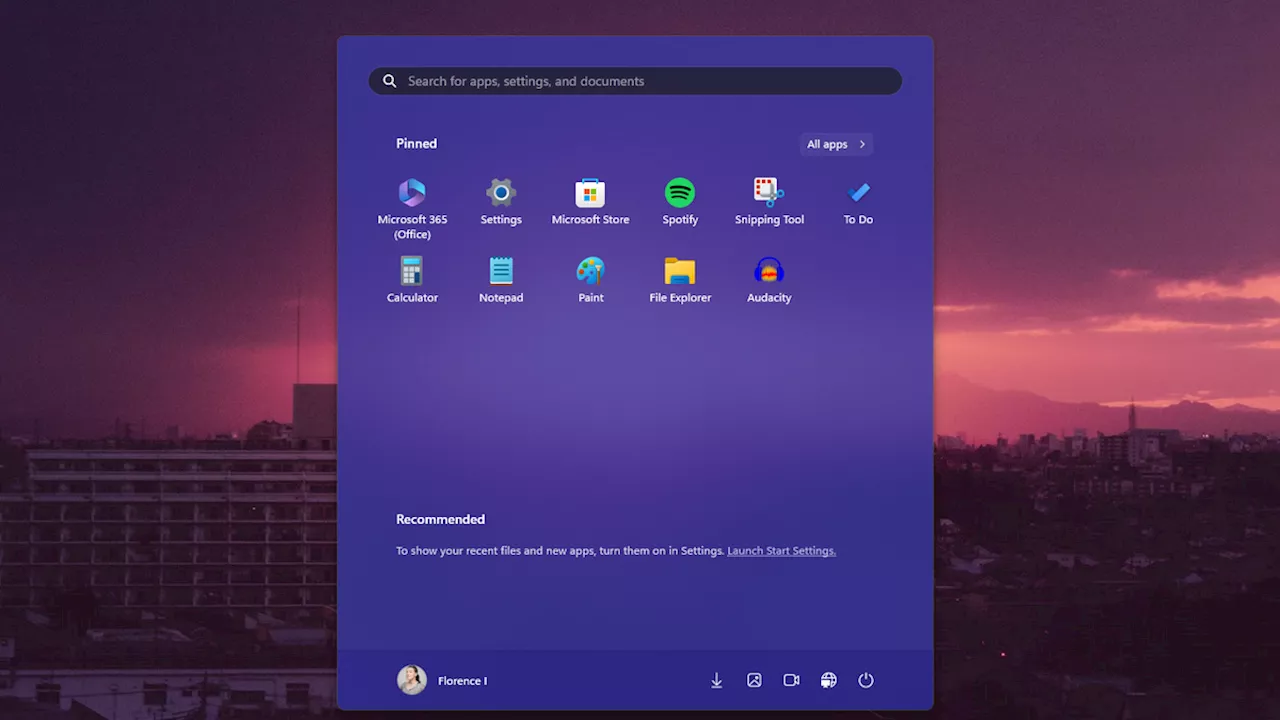
A Windows update will suggest curated apps in the Start menu. But you can turn it off.
I didn’t realize that Microsoft had pushed out the update that brought advertising to the Windows 11 Start menu until I started to read the news. I’ve had recommendations turned off this entire time. It turns out the same option hides the “curated” Microsoft Store apps currently populating on systems running the KB5036980 update.
There are a few other components to this particular software update, but they’re minor. Widgets in the taskbar and on the lock screen have been improved and are no longer pixelated and fuzzy. Animated icons have also been added to the mix. Turn off App “Recommendations” in the Start Menu I come from a time when Windows wasn’t inundated with advertising and suggestions. It feels like it was a long time ago because Microsoft’s been toying with advertising in the Start menu since Windows 10. I want to believe the company has caught on that plenty of users are on my wavelength. It put the details for turning off the Recommended section of the Start menu on the software update page, even bolding it. Go to Settings >Personalization >Start, or use the Start menu search bar to open the settings panel. Then, select the option to toggle off Show recommendations for tips, shortcuts, new apps, and more. This will turn off any extra content and curated app suggestions. You might also consider selecting the layout option for More Pins so there are more slots for quickly pinning the apps you want to access. As with everything in life, there are trade-offs to turning off the recommendations. The Start menu will function more like an app shelf—the equivalent to a bookshelf if you will—than an application drawer. You’ll need to curate apps you want to be pinned there, or it will render the overlay window useless beyond the search bar. Sadly, you can’t reclaim that part of the Start menu unless you try futzing with a third-party app like ExplorerPatcher, StartAllBack, or Start11. Those are some apps I’ve seen curated and recommended in varying forums. The only one I’ve used is Stardock’s Start11, though I haven’t dabbled with it since I updated to Windows 11. Perhaps I should reconsider what a third-party Start menu could offer since Microsoft seems hellbent on serving those ads.
Start Menu Windows 10 Features New To Windows 10 Taskbar Microsoft Windows Microsoft Hospitality Recreation Universal Windows Platform Apps Technology Internet Windows Shell Gizmodo
United States Latest News, United States Headlines
Similar News:You can also read news stories similar to this one that we have collected from other news sources.
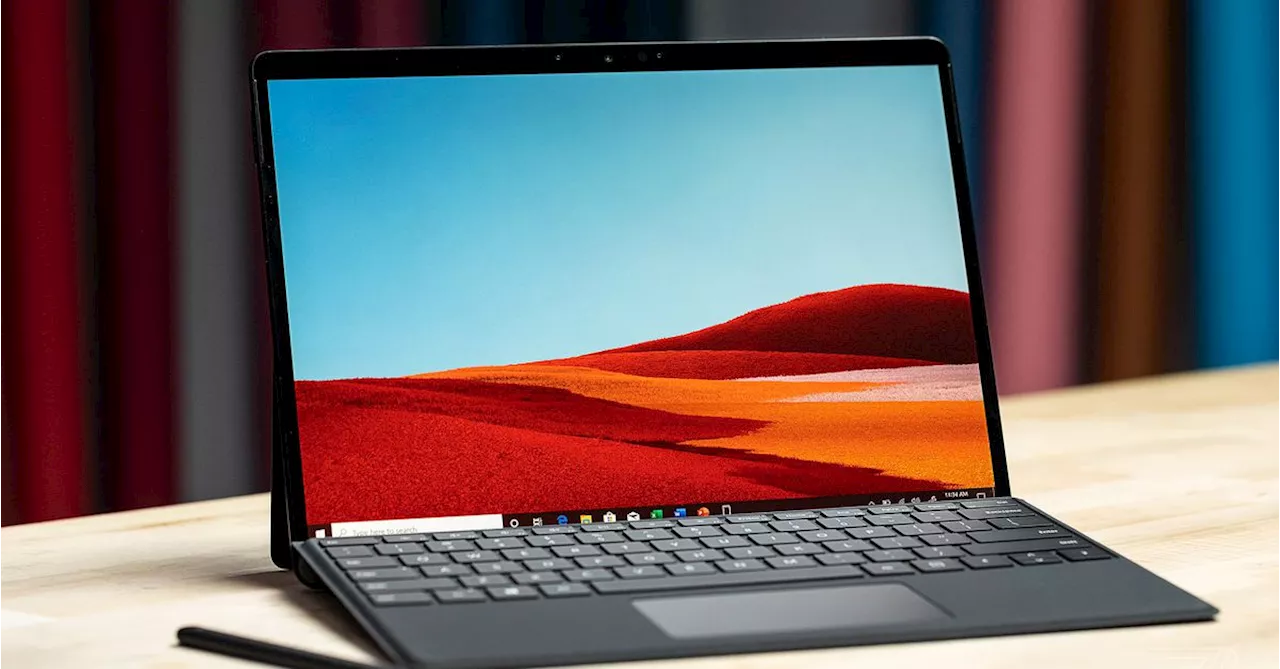 Microsoft Build to Focus on Windows on Arm and New Windows AI FeaturesMicrosoft’s annual developer conference, Microsoft Build, will focus heavily on Windows on Arm and new Windows AI features this year. The Verge revealed earlier this week that a special Surface and AI event a day before Microsoft Build will include a focus on beating Apple’s M3-powered MacBook Air with new Arm-powered Surface devices and a big new Windows AI feature. Now, Microsoft is all but confirming this.
Read more »
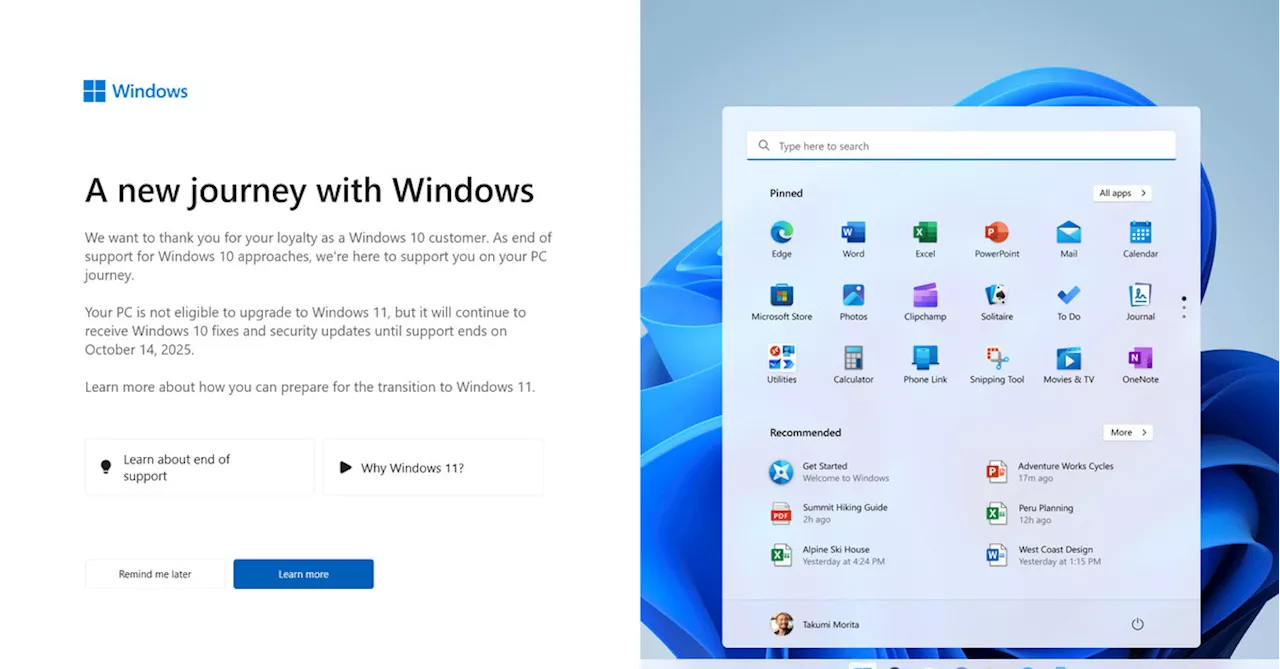 Microsoft's Attempt to Entice Windows 10 Users to Upgrade to Windows 11 with Fullscreen PromptsMicrosoft is displaying fullscreen prompts to Windows 10 users, urging them to upgrade to Windows 11. However, some users are unable to upgrade due to hardware requirements.
Read more »
 Microsoft Testing Ads in Start Menu on Windows 11Microsoft announces that it is testing ads inside the Start menu on Windows 11, using the Recommended section to suggest apps from the Microsoft Store. The ads can be disabled but will be enabled by default.
Read more »
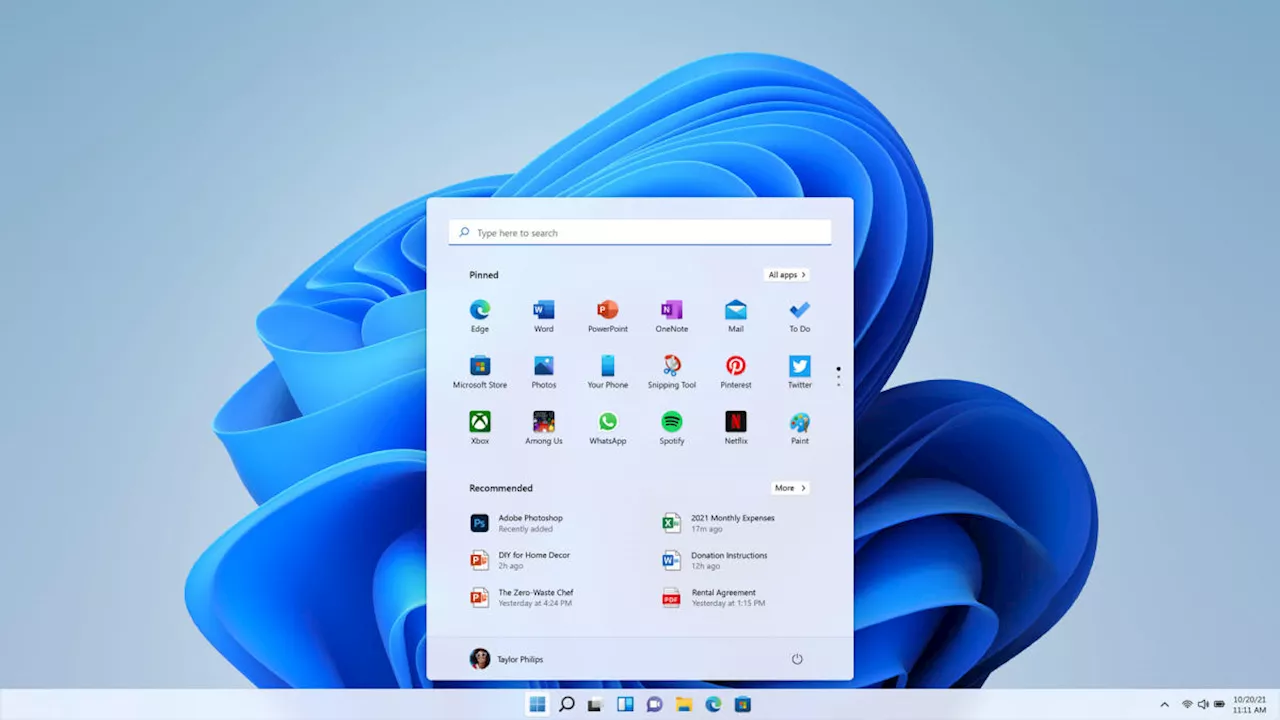 Microsoft Store Ads in Windows 11 Start MenuMicrosoft is testing ads in the Start menu of Windows 11, similar to the ads in Windows 10. However, these ads are currently only visible to Windows Insiders in the Beta Channel in the US.
Read more »
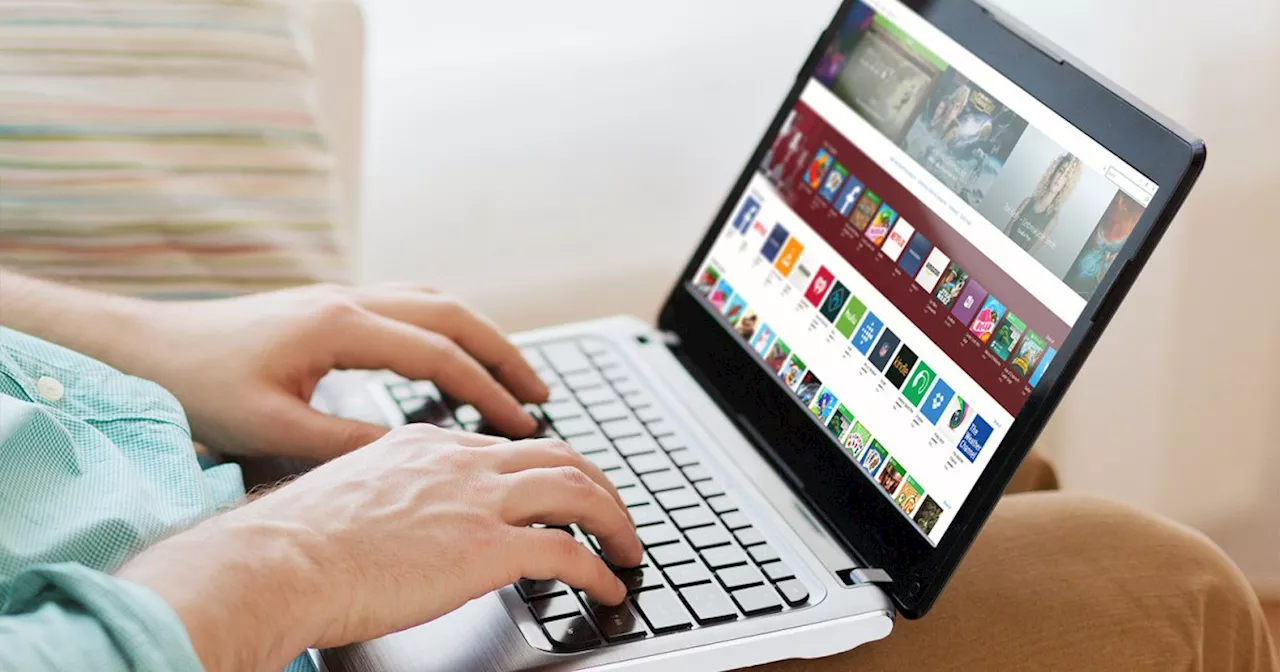 How to factory reset Windows 10 or Windows 11If your PC is being sold or has serious errors, then your best option is to factory reset Windows. We'll walk you through the entire process, step by step.
Read more »
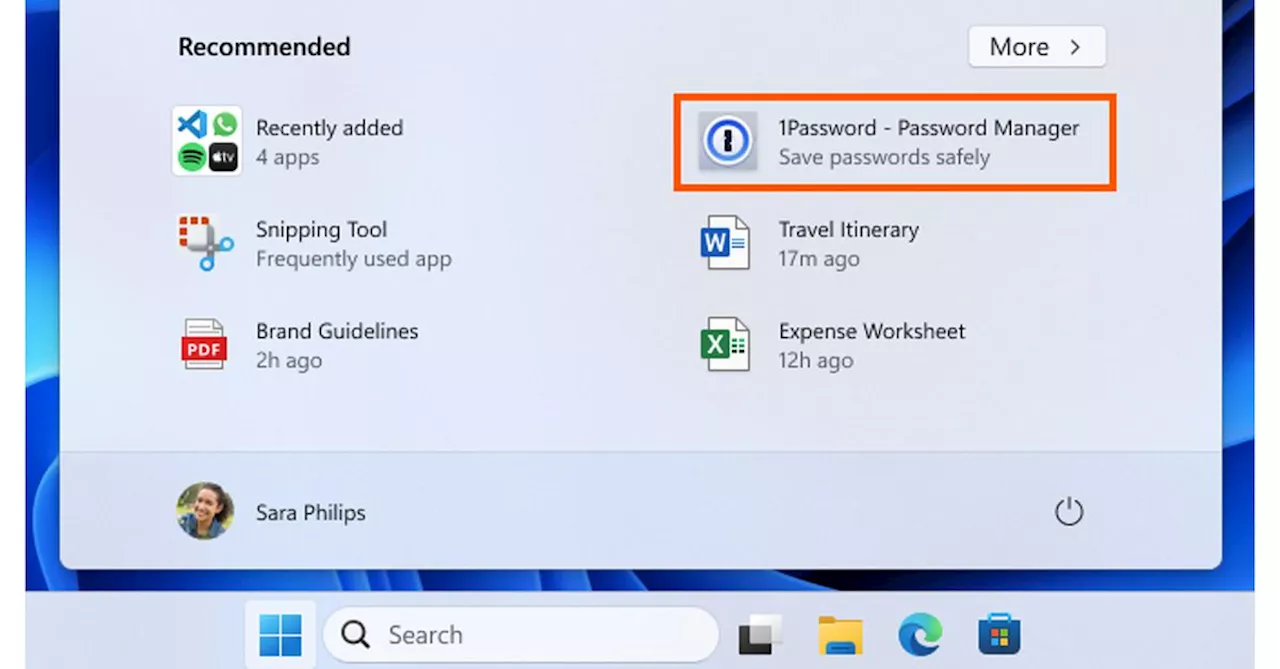 Windows 11 Start menu ads are now rolling out to everyoneMicrosoft is starting to rollout a Windows 11 update that enables ads in the Start menu. Thankfully, you can disable these app recommendations easily from settings.
Read more »