
Personalize your Apple Pages docs by adding a custom signature. Here’s how to create and insert one in Pages for macOS, iOS, and iPadOS.
Adding a signature to your Apple Pages doc is one of the best ways to solidify your authorship. It’s also a nice calling card if you plan on sharing your Pages file with others, or if you decide to export it to PDF.
Fortunately, creating and inserting a signature in Pages for macOS, iOS, and iPadOS isn’t very difficult. To help speed things along, we’ve put together our own step-by-step guide to teach you how to start adding Pages signatures pronto! Contents Recommended Videos Difficulty Moderate Duration 5 minutes What You Need Add an image of your signatureOne of the simplest ways to add your signature to Pages is by using an image. If you have a photo of your signature, you can insert it in your document in just a few steps.Step 2: Select Media in the toolbar.Step 4: You’ll then see the picture of your signature in your document. You can drag a corner to resize it while maintaining the aspect ratio. Or, select the image and use the Format button in the toolbar to open the sidebar. Then, go to the Arrange tab and use the Size section in the side panel to adjust the dimensions. Insert a screenshot from PreviewIf you don’t have an image of your signature but have a signature saved in Preview or are willing to create one, you can screenshot it and pop it into Pages. Step 1: Open an image or PDF in Preview. Make sure that the file you open has a white background and enough space to insert your signature.Step 3: Pick your signature. You can also select Create signature and follow the prompts to make a new one. Step 4: When the signature appears in the document, you can drag a corner of it to make it larger if needed. Step 5: Select File >Take screenshot and pick From selection in the pop-out window. Alternatively, press Command + Shift + 4.Step 7: You’ll then have an image of your signature. By default, the image is saved to your desktop, unless you’ve changed it. Then, drag the image from your desktop into the Pages document or use the alternate steps above to insert the picture.Sign and add your signature from iPhone or iPadIf you have your connected iPhone or iPad nearby, you can sign your name on that device and insert it into Pages.Step 2: Select either Media in the toolbar or Insert >Insert from iPhone or iPad in the menu bar.Step 4: When you see the sketch screen appear on your chosen device, select the Pen tool, sign your name, and pick Done when you finish.From there, you can drag a corner to resize it or open the Format sidebar to adjust the dimensions or rotate the image as needed. Be sure to take a look at how to convert Pages to PDF if you need to share your document in that format. Add a signature to Pages on iPhone or iPadMaybe you’re working on the Pages document on your iPhone or iPad. You can insert an image of your signature, capture it with your camera, or using the drawing tool to create the signature.Step 2: On iPhone, tap the Plus sign at the top and choose the Media tab. On iPad, tap the Media button at the top.Step 4: Once your signature appears in the document, you can drag a corner to resize it. You can also select the image, tap the Format icon, and use the settings on the Arrange tab to adjust the size, position, or rotation. Using the Apple PencilAnother great way to add signatures, body text, illustrations, and other elements to your Pages doc is with an Apple Pencil. One especially convenient feature called Scribble is enabled by default if you’re using Pages on an iPad. This tool turns your handwriting into text that is automatically added to your Pages doc. The Apple Pencil is also fantastic for adding and editing drawings and annotations to your Pages docs. Can I use my Mail app signature in Pages? Apple will also let you create a custom signature for use in the Mail app on Mac, iPhones, and iPads. Unfortunately, this specific signature can only be used in the Mail app, unless your signature is an image file.For more, look at how to get the word count or how to add bullets in Apple Pages.
Apple Pages Digital Signature Document DT-EM-B2 Pages Signature
United States Latest News, United States Headlines
Similar News:You can also read news stories similar to this one that we have collected from other news sources.
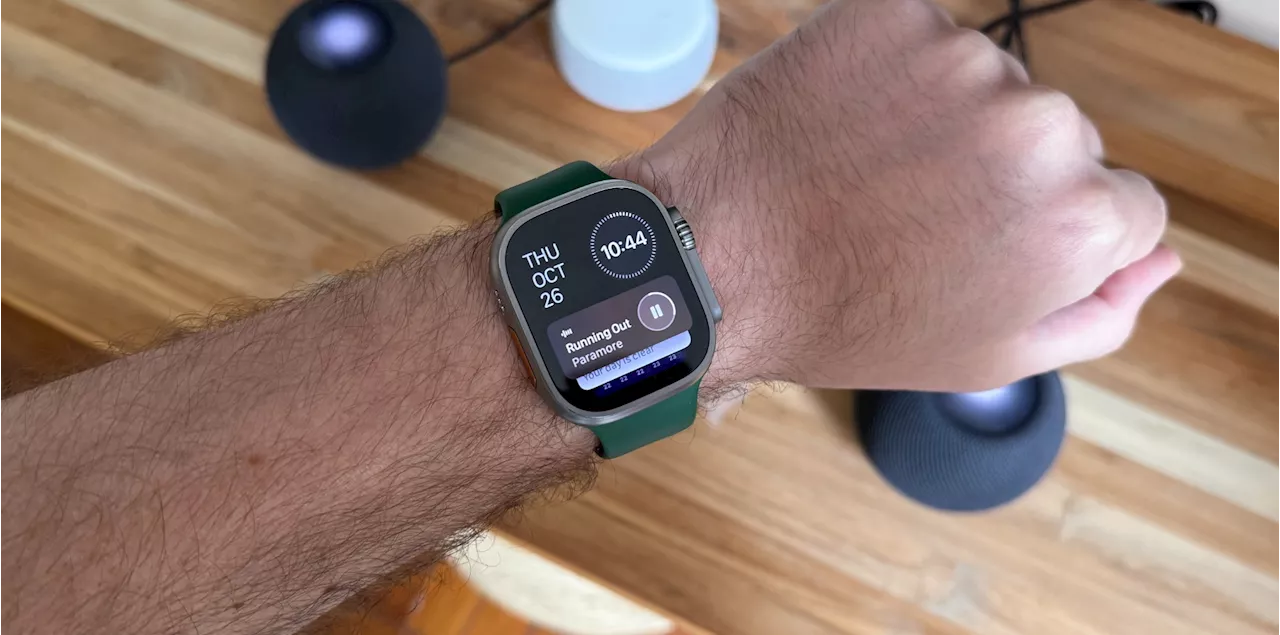 Apple releases watchOS 10.5 beta 2 to Apple Watch userswatchOS 10.5 beta 2 is now available to developers. After a mild update with watchOS 10.4, it seems this next version won't bring many changes
Read more »
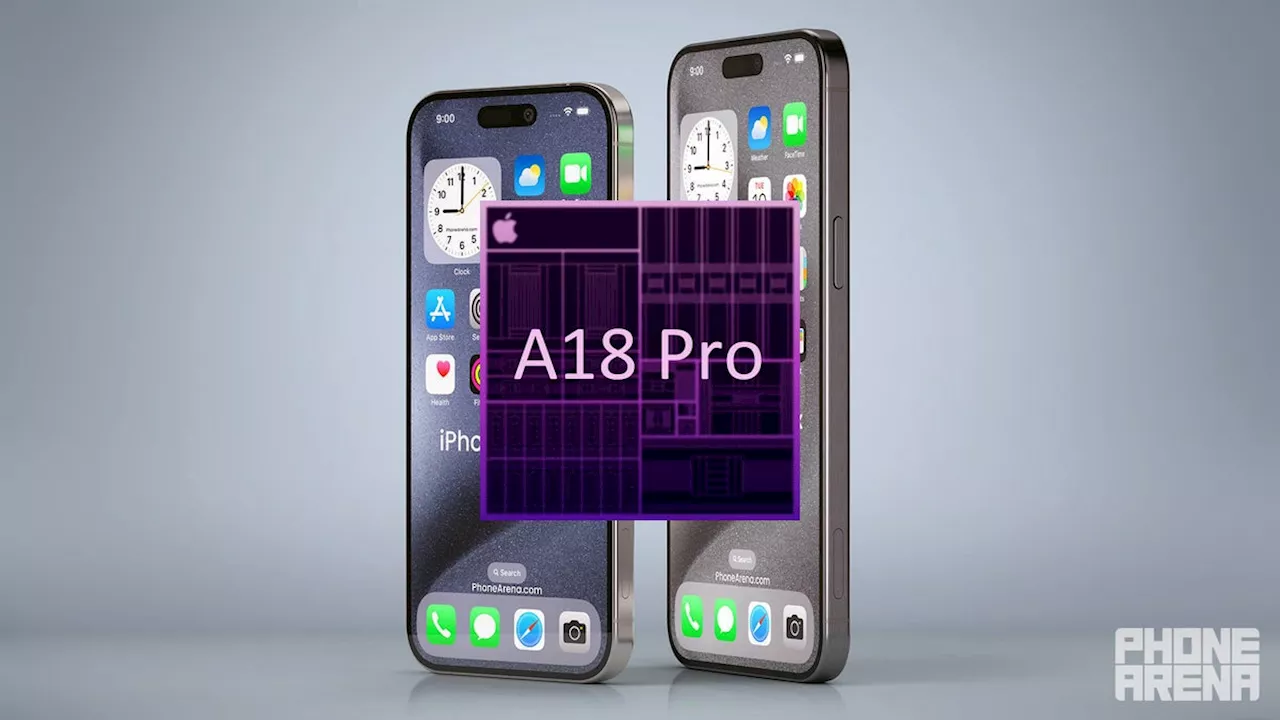 Apple A18 vs Apple A17 processor benchmark performance and AI featuresDaniel, a devoted tech writer at PhoneArena since 2010, has been engrossed in mobile technology since the Windows Mobile era. His expertise spans mobile hardware, software, and carrier networks, and he's keenly interested in the future of digital health, car connectivity, and 5G.
Read more »
 Apple Loop: Apple’s New iPhone App, iPad Air’s OLED Upgrade, iPhone Emulation GuidesI am known for my strong views on mobile technology, online media, and the effect this has on the public conscious and existing businesses.
Read more »
 Apple reportedly puts the kibosh on its FineWoven iPhone cases and Apple Watch bandsAlan, an ardent smartphone enthusiast and a veteran writer at PhoneArena since 2009, has witnessed and chronicled the transformative years of mobile technology. Owning iconic phones from the original iPhone to the iPhone 15 Pro Max, he has seen smartphones evolve into a global phenomenon.
Read more »
 Apple Spring Event: OLED iPad Pro, M2 iPad Air, Apple Pencil 3, and more to expectApple will hold an iPad event on May 7. Here is everything we know about it, what products will be announced, and more.
Read more »
 How to get the word count in Apple PagesNeed to keep your essays and articles under or over a certain word count? This is why we’re glad to know that Apple Pages has a built-in word counter tool.
Read more »