
The ReMarkable Paper Pro is a sleek and impressive digital notebook that offers a writing experience remarkably close to pen and paper. However, its slow performance, high price tag, and limited e-book integration make it a niche product.
I’ve always been a sucker for a good notebook. Despite my sloppy handwriting, I love taking notes, jotting down random to-do lists, and writing letters. There’s nothing like writing on a big yellow legal pad or doodling in the margins of a composition notebook. The ReMarkable Paper Pro does a marvelous job of emulating that feeling of writing on pen and paper using a stylus and screen, which can often feel more like using a toy.
While an achievement, it comes at a price that I’m not sure most people are willing to pay. A Paper Pro is a gorgeous digital notebook that's an absolute pleasure to write on, but it's also a slow-loading e-reader that will cost you an arm and leg. The Paper Pro is a half-step upgrade from the Remarkable 2. It’s bigger (11.8 inches vs. 10.3 inches), has a color display, and has a reading light that allows you to use it in dimly lit environments. Much like Remarkable 2, the Paper Pro essentially wants you to ditch your tablet or phone in favor of something free of the distractions of text message notifications and upsetting news updates. The Paper Pro is slightly thicker than the Remarkable 2, at 5.1 mm, and weighs just over a pound. Still, I appreciate the extra real estate because it allows me to fit more onto a single page. Even with a case on, it felt as heavy as holding onto a magazine or a book, which I didn’t mind since it still felt light but not fragile. The biggest upgrade for the Paper Pro from the Remarkable 2 is the color display, which makes reading comics and highlighting texts in PDFs much easier. However, I did notice a slight delay whenever you try to write in a color other than black. It first appears black for a moment, then flickers to the selected color, which is a little distracting and highlights a common problem with the Paper Pro’s performance. When it came to notetaking and writing, I switched to ballpoint pen and mechanical pencil modes. Each pen style feels different enough to accommodate most people’s preferred writing styles. I have been using the Paper Pro for over a month, taking it into meetings, making to-do lists at home, and reading a handful of e-books I’ve stashed in a Google Drive folder. It remains at my side well after I’ve finished reviewing it because it’s easy to pick up and start writing. Organizing your notes is simple and intuitive. You can highlight and move text around with the pen, change its size, and use handy preset templates. I like a good list, so I often use the Checklist template. You can easily edit your text on the fly as well. To make text bigger or move it around, you simply hit the highlighting tool and circle the words you want to tweak. My review unit came with the Marker Plus, which includes a built-in eraser head at the end of the stylus, which was extra helpful since I tend to write fast and make a lot of mistakes. I like how easy it is to mix handwritten and typed notes (via virtual keyboard or keyboard folio). It gives you fun ways to organize your digital notebooks so they don’t look like scribbles written by a madman. If you’re reading a PDF, it’s nice to highlight passages or to write in the margins, making it great for sharing during a study session. Writing on the Paper Pro, like the Remarkable 2, is a pure joy. The stylus is responsive, and the Marker Plus pen is comfortable. It really feels like you are writing on paper the way the pen tip glides as you write, which is a tough trick to pull off. I never once felt like I had to adjust how I write like I do on other tablets or phones that let you write on the screen with a stylus. The Paper Pro’s ability to convert handwritten notes to typed text highly dependent on your handwriting. Your mileage will vary depending on how neatly you write, but it’s a great feature when it works, especially if you’re one to share notes with other people. It accurately converted about 50% of the text I wrote. For others around the office with clearer penmanship, it was around 90%. Obviously, the problem was me and not the Paper Pro. I’m okay with that. One useful feature is accessing and sharing notes from other devices. I can easily view and edit notes I took on my phone via the ReMarkable app. I made an inventory list for a charity event I was helping out at on the Paper Pro and then sent the PDF to our Discord server. You can also send those files via text, Slack, Threads, and a handful of other apps. The only downside is you pay $3 a month (or $30 a year) to use its cloud-storage service. Getting PDFs and EPUBs onto Paper Pro is still a bit of a headache, requiring you to upload the files via the ReMarkable app or website. Since I have a rather large Kindle library, tracking down the files for books I already own is one hoop I hated jumping through. I understand the simplicity of the Paper Pro, but much like the Remarkable 2, I wish there were a way to access various e-book apps. Once your books are set up, the Paper Pro is a perfectly average e-reade
Remarkable Paper Pro Digital Notebook E-Reader Stylus Handwriting Notetaking PDF E-Books Tablet
United States Latest News, United States Headlines
Similar News:You can also read news stories similar to this one that we have collected from other news sources.
 ‘All-Pro Sting,’ Texans star corner achieves All-Pro status for first timeTexans cornerback intercepted five passes for second year in a row
Read more »
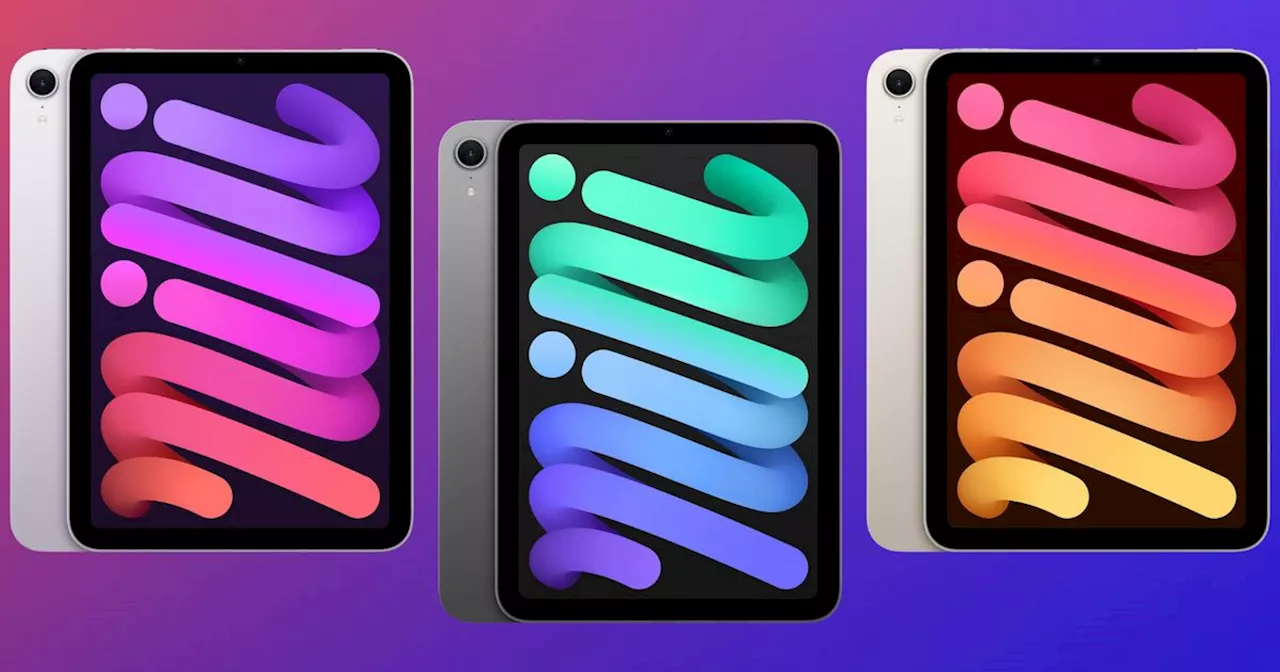 iPad Mini 7 at a Remarkable Discount: AI Powerhouse in a Compact FormThe seventh generation iPad mini, just released in October 2024, is on sale with significant discounts. This marks the first time the tablet has been discounted since its launch, offering impressive value for its features. The iPad mini 7 boasts an A17 Pro chip, delivering AI-powered capabilities for tasks like email replies, note-taking, text summarization, photo editing, and Siri interactions. It also features a 12MP camera, Touch ID security, up to 10 hours of battery life, and ample storage.
Read more »
 NFC West continues remarkable playoff streak after Rams demolish Sam Darnold, VikingsThe NFC West just continues to win in the playoffs.
Read more »
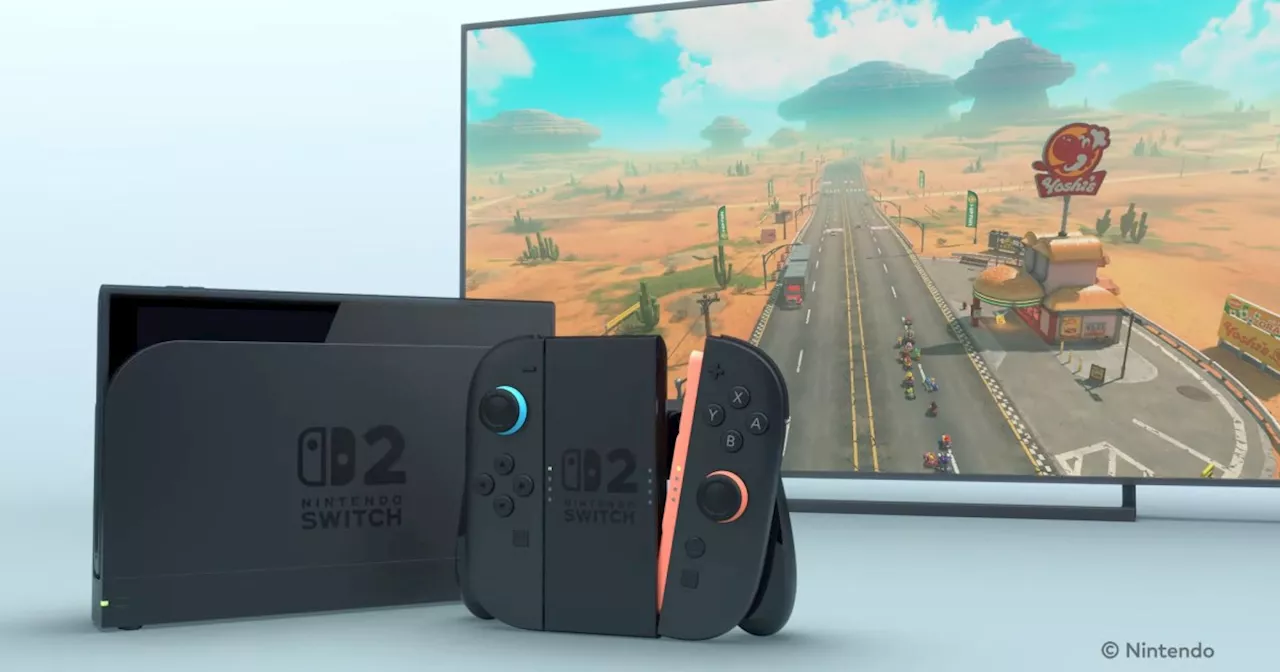 Nintendo Switch 2 Officially Revealed: Sleek Design, Magnetic Joy-Cons, and Backward CompatibilityNintendo has lifted the veil on its next-generation console, the Nintendo Switch 2. The new system boasts a refined design, magnetic Joy-Con controllers with potential mouse functionality, and backward compatibility with existing Nintendo Switch games. While a release date and price remain undisclosed, Nintendo promises more details during a dedicated Nintendo Switch Direct on April 2nd.
Read more »
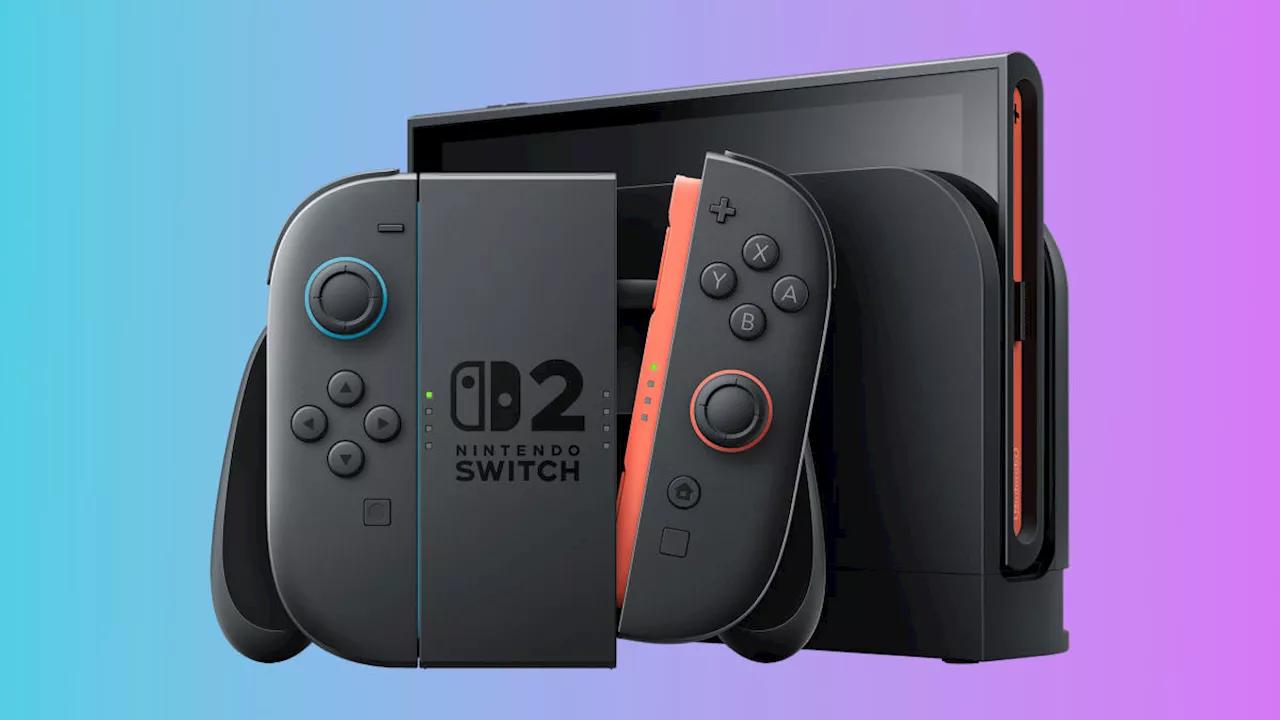 Nintendo Switch 2 Revealed: Magnetic Joy-Cons, Sleek Design, and MoreNintendo unveiled the Nintendo Switch 2, featuring a larger display, magnetic Joy-Cons, and a sleeker design. While some details were revealed, Nintendo is keeping most information under wraps until a dedicated Direct on April 2nd. The console retains the core form factor of the original Switch with detachable Joy-Cons and dock compatibility. Key changes include magnetic Joy-Con attachment, a second USB-C port, an adjustable kickstand, and potentially new hardware features like a sensor on the Joy-Cons that could enable mouse-like controls.
Read more »
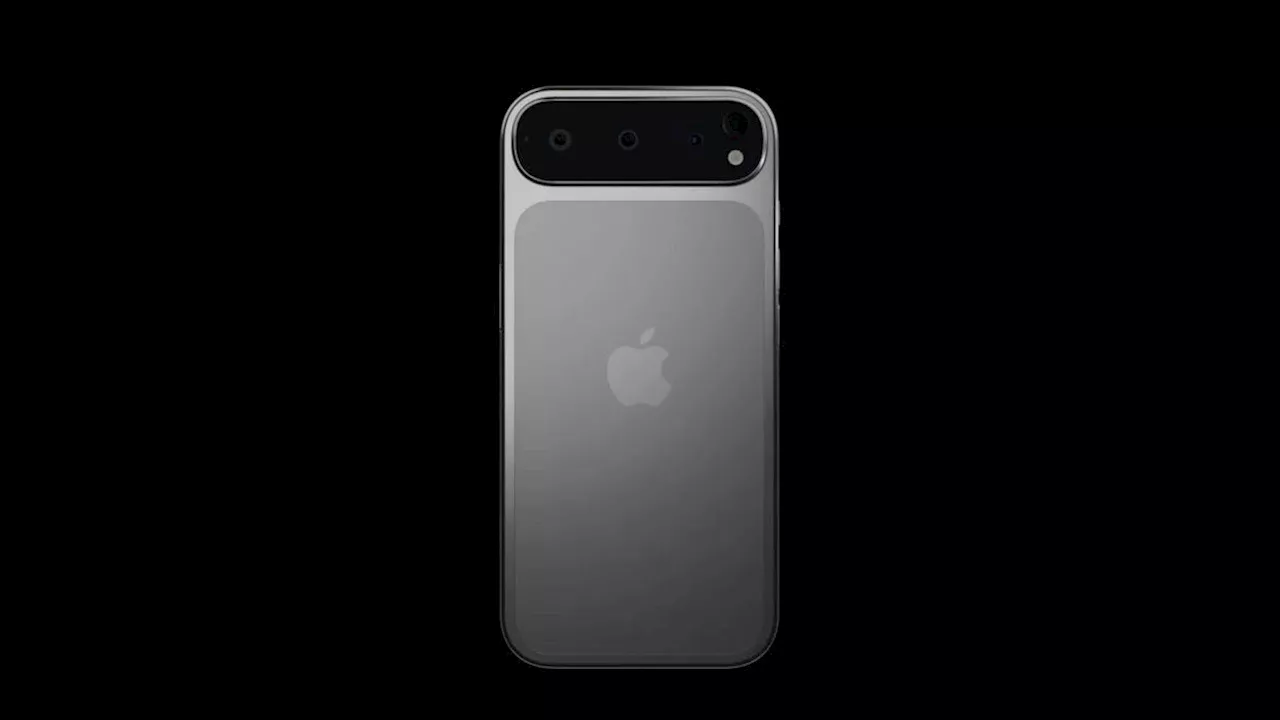 iPhone 17 Pro and Pro Max: Leaked Specs, Features and Potential DealsThe iPhone 17 Pro and Pro Max are generating excitement with rumors of impressive upgrades, including larger displays, advanced camera systems, and potential design changes. Get the latest leaks and speculation about these upcoming devices.
Read more »