
This article delves into Microsoft Copilot, an integrated AI assistant in Windows, exploring its features, functionalities, and accessibility. Learn how to use Copilot, understand its difference from Copilot+ PCs, and discover the seamless integration between the Windows app and the web version.
It’s impossible to ignore the rapid rise in the capabilities of artificial intelligence tools in recent months. Microsoft hasn't been shy in stuffing Windows full of AI features: Windows computers now come with a dedicated key for launching Copilot , Microsoft 's AI assistant, which has been integrated into the operating system. We'll guide you through everything you can use Copilot for on your Windows laptop or desktop, and how you can get it up and running.
We'll also explain the difference between Copilot and a Copilot+ PC, which is a label you might have spotted if you've been shopping for a Windows computer lately. Copilot on Windows When it comes to the Copilot assistant inside Windows, it's very similar to the Copilot app on the web. You can jump between the web app and the app in Windows, using the same Microsoft account, and carry on where you left off. Your chat history should also be synced between Windows and the web. There are a number of ways to launch Copilot on Windows. You can launch it from the Start menu like any other program: Just search for it or find it in the main apps list. You might also find WIndows has pinned it to the taskbar. Copilot can also be launched by pressing the Copilot key on your keyboard (two curved rectangles next to each other), if you've got a newer PC with the key included. Copilot gives you some ideas for getting started. Once you're into Copilot, you can sign in with your Microsoft account, and start chatting. You'll see some suggestions for conversation topics: daily news, motivation or meditation tricks, or prompts for a short story, as examples. Just type in the Message Copilot box to get started, or click the microphone icon to the right, if you'd rather talk instead. Bear in mind that your chats are still saved when you quit the app and open it up again (click the clock icon to see your chat history)
Artificial Intelligence Windows Copilot AI Assistant Microsoft
United States Latest News, United States Headlines
Similar News:You can also read news stories similar to this one that we have collected from other news sources.
 Microsoft’s Copilot Vision arrives to surf the web with select usersMicrosoft is rolling out Copilot Vision, which allows the AI to see and hear what you're watching on the internet, to select Copilot Pro subscribers.
Read more »
 Microsoft’s Copilot can browse the web with you using AI ‘Vision’Microsoft has started testing its new Copilot Vision feature. It lets the AI companion see what you’re seeing on a webpage and answer questions or offer up tips.
Read more »
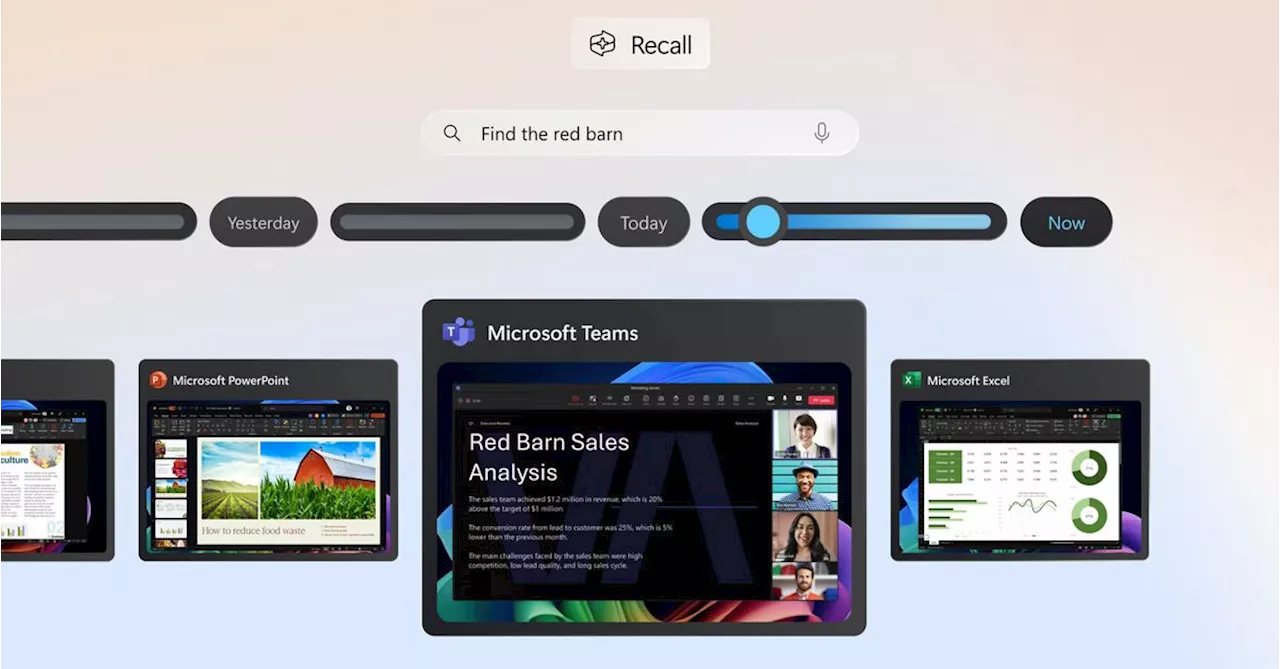 You can now try Microsoft’s Recall AI feature on Intel and AMD Copilot Plus PCsMicrosoft is expanding testing of Recall to Intel- and AMD-powered Copilot Plus PCs. A new build is out now for Dev Channel testers.
Read more »
 Microsoft Surface rumors point to a big Copilot Plus refresh next yearWindows Central reports Microsoft will release Surface Laptop and Pro Copilot Plus models in 2025 with Intel Lunar Lake chips.
Read more »
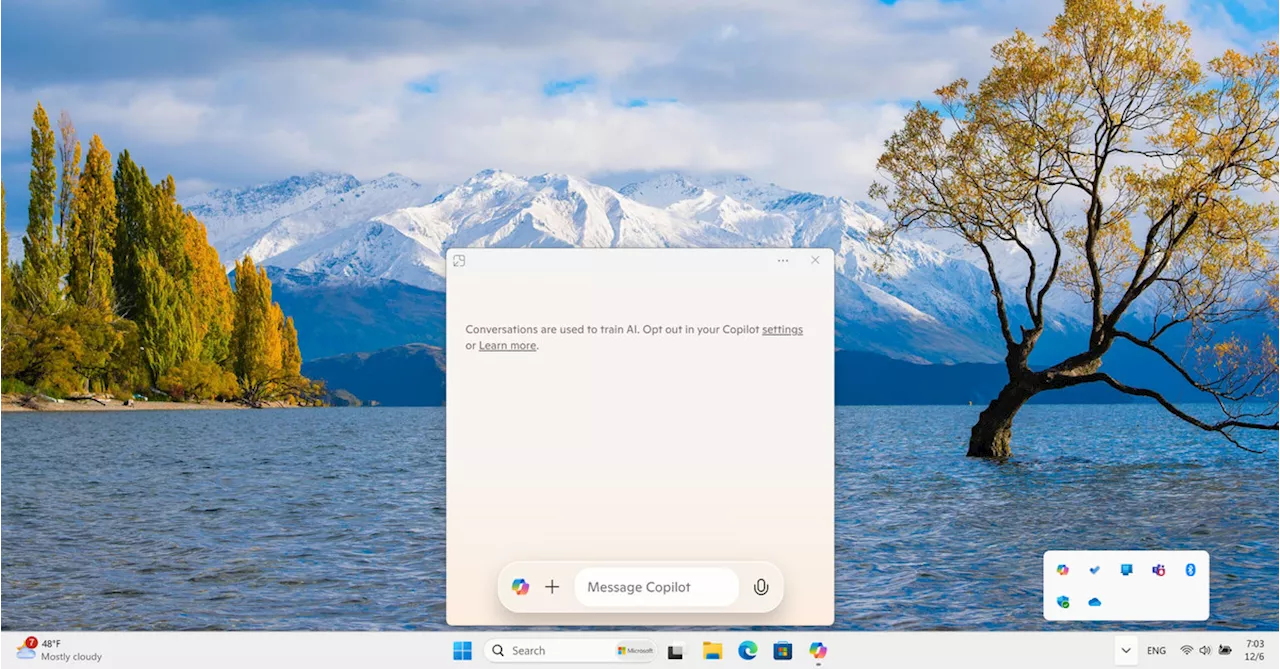 Microsoft is giving Copilot a new taskbar UI and keyboard shortcut on WindowsMicrosoft is changing how Copilot works on Windows yet again. A new update includes a quick view UI and a new keyboard shortcut.
Read more »
 The latest Microsoft Surface Pro Copilot+ PC is over $700 off at WalmartThe latest Microsoft Surface Pro is currently enjoying a huge discount at Walmart right now. Here's why you'll love it.
Read more »