
Mark Sparrow writes about consumer audio, computer gadgets and Apple Macs, He reviews tech that's fun, creative and productive.
A year ago, Logitech quietly acquired Loupedeck , the leading maker of input devices used by content creators on software packages like Photoshop or Lightroom. The Loupedeck devices are programmable alternatives to mice and keyboards with endless shortcuts for a more efficient workflow when using some of the most popular creative software.
The Loupedeck concept is excellent but I don’t think it ever quite received the exposure it deserved. Now, following its acquisition by the mighty mouse maker, we are going to see Loupedeck technology getting the full Logitech marketing, development and distribution treatment that will help bring the Loupedeck concept to the mainstream. The new Logitech MX Creative Console is an ingenious product that has been designed from the ground up to ensure it’s deeply integrated with Adobe’s Creative Cloud software. Logitech has worked incredibly closely with Adobe and this clever product is going to change how millions of content creators interface with their favorite software packages.Logitech has taken the raw essence of Loupedeck and turned it into an accessible product that can replace a mouse, trackpad or keyboard to get the most out of almost any creative software package, especially Adobe’s Creative Cloud. It’s the first advanced tool that can streamline and speed up the creative workflows by putting essential controls within easy reach, giving content creators more time to focus on what creating engaging content.WWE Raw Recap: Jey Uso Wins His 1st Singles Title, Social Media ReactsThe Logitech MX Creative Console consists of two parts. The first is a customizable keypad with nine full-color LCD keys across multiple pages that are filled with predefined configurations and actions. All nine of the LCD keys have adjustable brightness levels up to 600 nits, making them ideal for use in dark edit suites. The keypad also has two buttons for scrolling through up to 15 pages of customizable actions that can be assigned to each of the LCD keys. That’s a total of 135 different starting points that can be programmed in countless ways. The keypad unit connects to the host computer using a detachable USB-C 2.0 high-speed cable that also provides the power for illuminating those LCD keys.The second part of the MX Creative Console is the dialpad. This is a smart analog navigation controller for various actions like jogging, zooming, scrolling, cycling and adjusting settings in software. The main control is a large aluminum dial with a precision friction bearing that has a wonderful analog feel. There is also a knurled roller for fluid navigation when scrolling through windows or down menu items. Four fully customizable buttons can be programmed with various other actions. The dialpad can connect with up to three different devices over Bluetooth or Logi Bolt, the high-security wireless dongle technology developed by Logitech for its keyboards and mice. This Easy-switch function enables creatives to move between, say, two computers and a tablet or whatever setup they like to use. The dialpad is powered with a couple of AAA batteries and should work for up to 18 months before they need replacing. The Logi Options+ software was developed by Logitech for advanced programming of the brand’s keyboards and mice. Now it’s been infused with Loupedeck technology, although with a cleaner and more logical interface. Using Logi Options+, content creators can tailor their workflow to suit just the way they like to work and it can change depending on the application being used. The MX Creative Console puts apps, tools and controls right at your fingertips.Another innovative feature available when using the dialpad is the Logi Actions Ring. Press a button and a graphical screen overlay or HUD can be called up showing a selection of settings or adjustments that can be easily accessed with a mouse click or button press. The Logi Actions Ring can be programmed to suit eactly how an individual likes to work or it can draw its choices from whichever Creative Console plugin has been installed. Logitech has collaborated very closely with Adobe to develop the MX Creative Console so that the system is deeply integrated with Adobe’s software. This API integration can be tailored using plugins for popular Adobe Creative Cloud applications like Adobe Photoshop, Lightroom Classic, Premiere Pro, After Effects, Audition and Illustrator. For example, if you launch Adobe Photoshop, the LCD keys on the keypad will change to give a fresh range of tool options. Then the dialpad can be used to adjust the individual settings, whether that is brush size, opacity or almost any other parameter that can speed up a creative’s workflow.If you are still wondering whether the MX Creative Console is for you, then the fact that everyone buying the device gets a complimentary three-month Adobe Creative Cloud All Apps membership may make your mind up. And if you’re already a subscriber to Adobe Creative Cloud, you can extend your membership by a further three months for free. As well as the main creative titles like Adobe Photoshop, Illustrator and Lightroom, the MX Creative Console will also receive deep integration with other popular software packages. The Logitech Marketplace also enables users to develop and exchange their own MX Creative Console configurations and share them with other users or download other setups. I love the way that Logitech organically enables its users to develop and extend tools like the MX Creative Console.The MX Creative Console is a device of pure genius. Within a few hours of using it, you’ll find new and more efficient ways of working with your favorite creative software, speeding up your workflow massively. There’s no more wasting time mousing all over the screen just to adjust the size of a brush or to set a different value. The only limit with the MX Creative Console is your imagination. The Logi Options+ software is intuitive and makes it easy to turn the MX Creative Console into a powerhouse of efficiency and creativity. Logitech has taken the amazing Loupedeck technology and packaged it in an affordable and more accessible device. By splitting the MX Creative Console into Keypad and Dialpad components, Logitech has unlocked the awesome power of Loupedeck and made it easier and more intuitive to use. If you use creative software packages like Adobe Creative Cloud, the MX Creative Console is your new personal assistant for putting rocket boosters under your creativity. You even get a three months membership to Adobe Creative Cloud. That’s the icing on the cake. Highly Recommended.... The MX Creative Console is available from today in Pale Grey and Graphite colorways. The device is made with up to 72% post-consumer recycled plastics, low-carbon aluminum, micro-textures instead of paint and FSC-certified packaging. The price is $199.99 / £199.99 / €199.99 including three months of Adobe Creative Cloud All Apps membership.Our community is about connecting people through open and thoughtful conversations. We want our readers to share their views and exchange ideas and facts in a safe space.Insults, profanity, incoherent, obscene or inflammatory language or threats of any kindContinuous attempts to re-post comments that have been previously moderated/rejectedAttempts or tactics that put the site security at riskProtect your community.
Loupedeck Adobe Photoshop MX Creative Console
United States Latest News, United States Headlines
Similar News:You can also read news stories similar to this one that we have collected from other news sources.
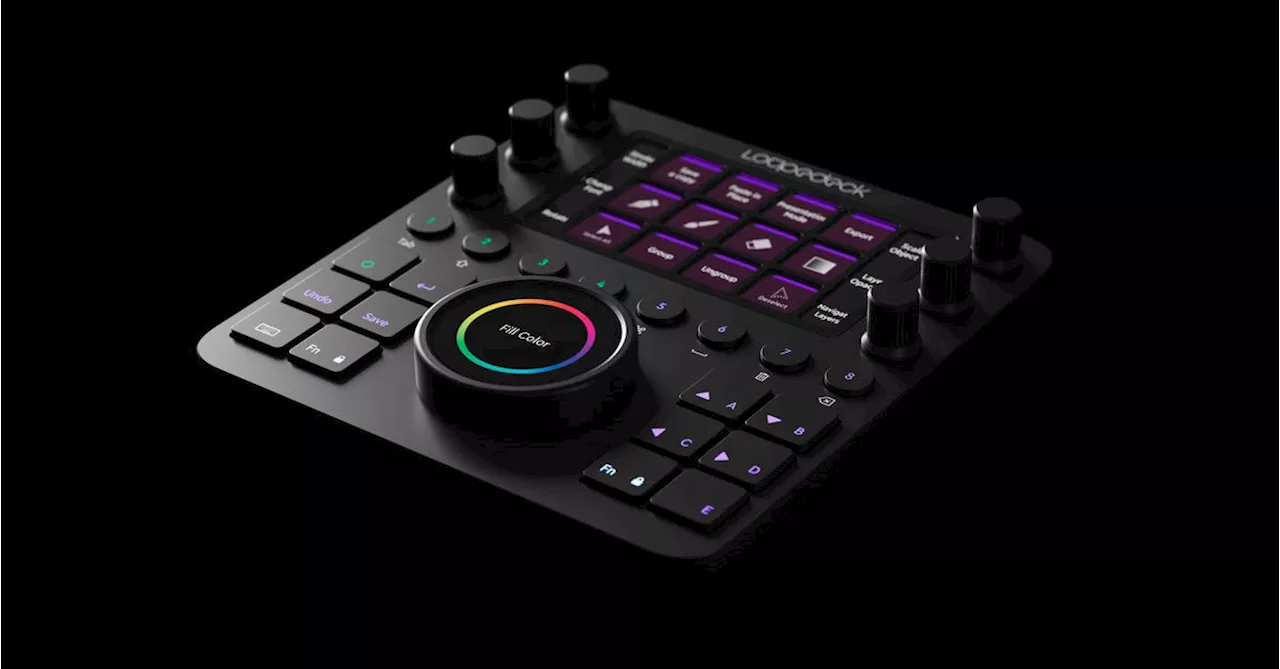 Logitech acquires Stream Deck rival LoupedeckLogitech has purchased Loupedeck, the creators of the Loupedeck editing console, for an undisclosed sum, according to a press release published on Tuesday.
Read more »
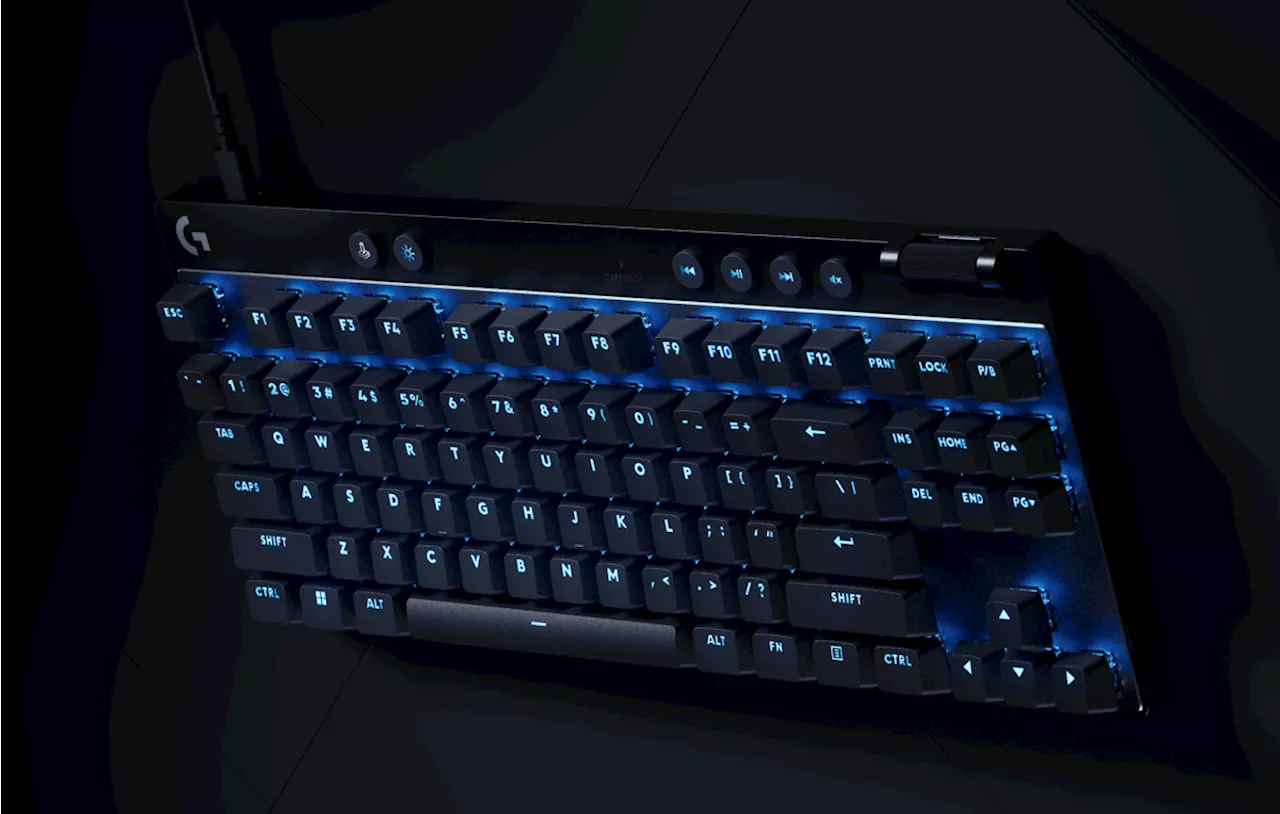 Logitech drops an analog keyboard and new Pro Superlight miceJeremy is a Malaysian freelance writer who loves video games and technology. He reports on tech news at Engadget, and his work has been featured on Cloudwards, MyNextTablet, and Quantum Zeitgeist. In addition to competitive gaming, Jeremy enjoys Chinese martial arts and reading. Ask him about Snake from Super Smash Bros. Ultimate.
Read more »
HoYoverse announces a range of Genshin Impact Logitech gaming gear, Ayaka mouseHoYoverse is starting a multi-year Genshin Impact and Logitech collaboration, beginning with a set of Lightspeed mice
Read more »
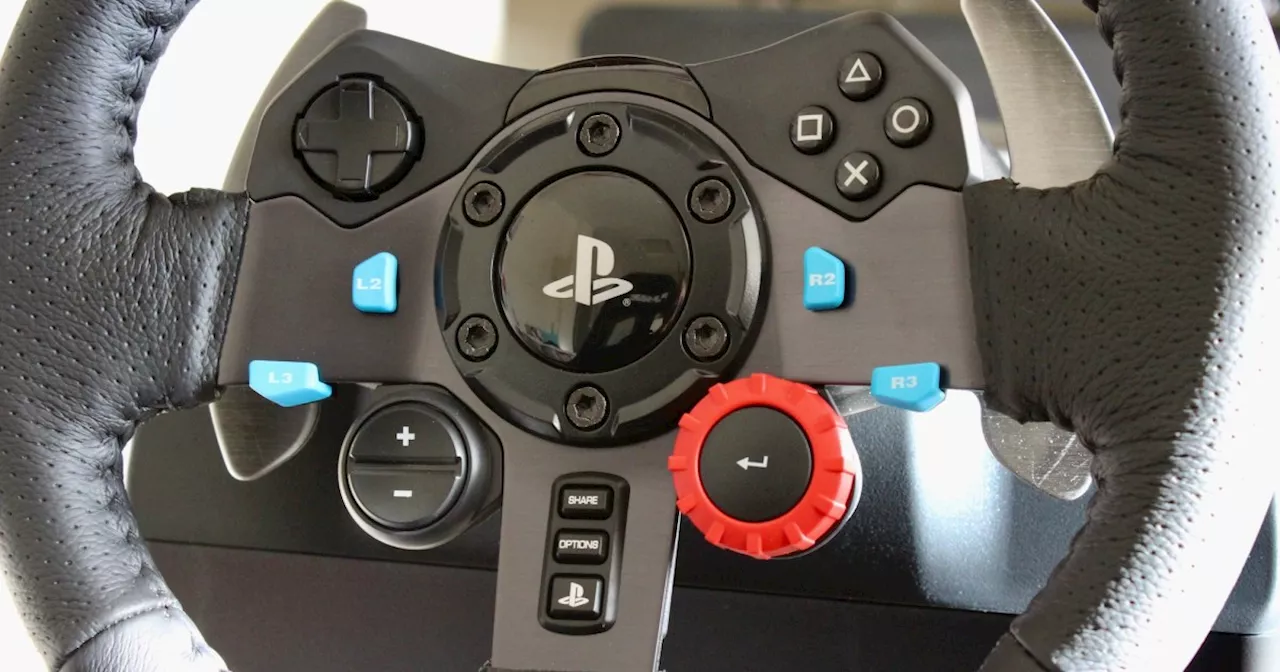 This Logitech G29 wheel and pedals set offers immersive racing for $80+ offHit the virtual pavement in style with the Logitech G29 Driving Shifter Bundle, now on sale for $278 when you order through Amazon!
Read more »
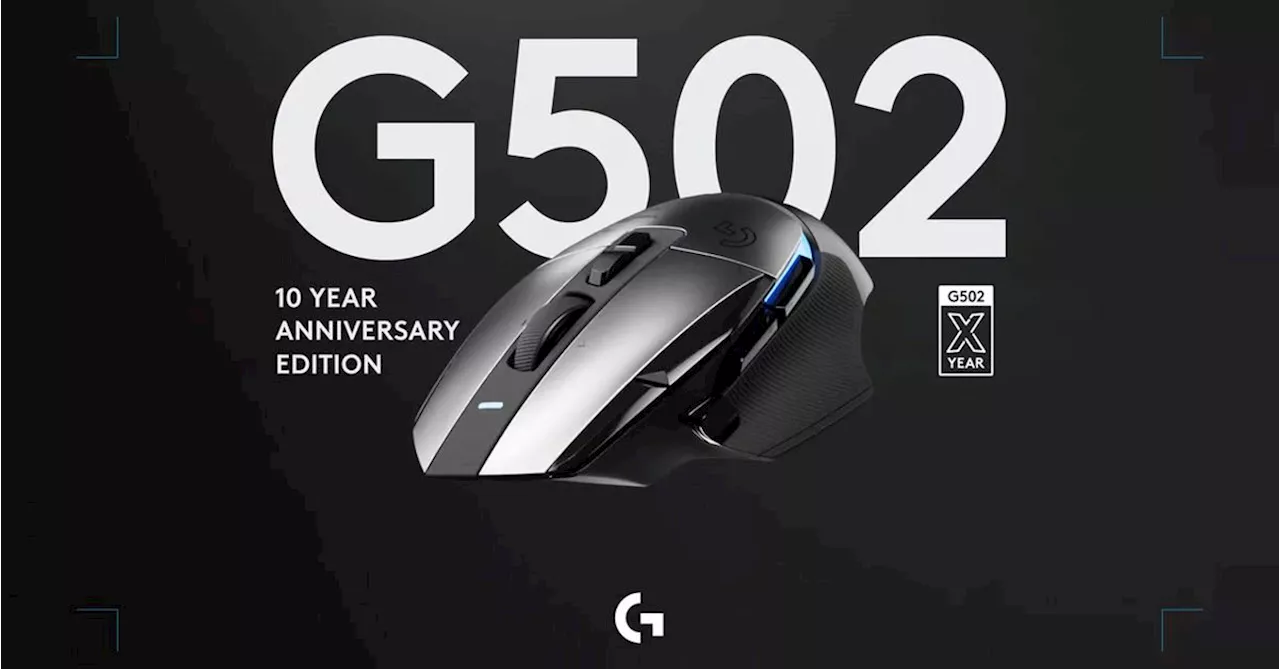 Logitech is making 502 metal miceThe Logitech G502 X Plus AL Edition is an aluminum gaming mouse to honor 10 years of the G502. Logitech is making 502 of them to give away.
Read more »
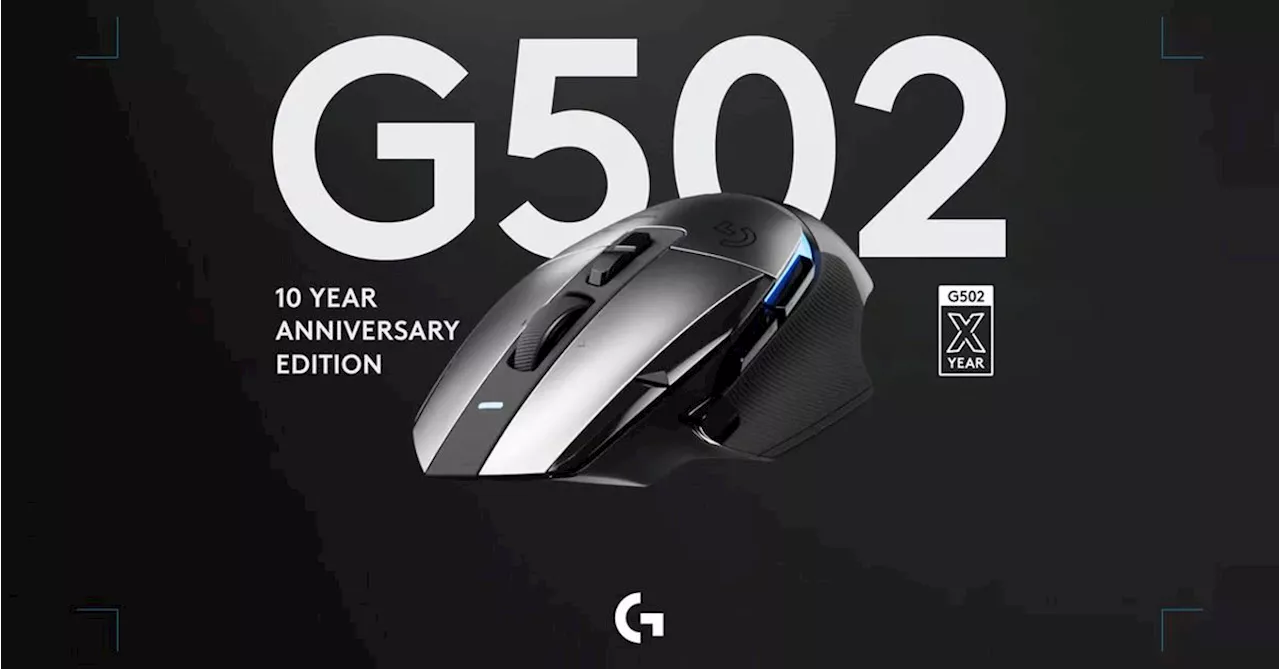 Logitech Celebrates G502's 10th Anniversary With Limited-Edition Aluminum VersionTo mark a decade of its iconic G502 gaming mouse, Logitech has released a limited-edition aluminum version with laser-etched markings and a serial number. The G502 X Plus AL Edition boasts the same functionality as the standard wireless G502 X mouse but with an aluminum chassis and unique design elements.
Read more »