
Gemini AI takes the pain out of creating slideshow presentations, but not watching them.
The only thing people enjoy less than sitting through a slideshow presentation is making a slideshow presentation. But with the integration of Gemini AI into Google Slides, that process is about to get a whole lot easier.
Contents In this guide, we’ll explore everything you need to seamlessly incorporate Gemini AI into your workflow. Whether you’re looking to enhance your design elements, streamline content generation, or simply save yourself some time, Gemini AI offers a suite of features that can transform the way you build your presentations. Recommended Videos How to integrate Gemini into Google Slides As with the integrations for Docs and Sheets, Gemini AI is not available for use with Slides at the free tier. You’ll need a $20/month subscription to the Google One AI Premium Plan to gain access; otherwise, a work or school account through a Gemini for Google Workspace add-on will work. Simply click on the “Try Gemini Advanced!” radio button in the top-right corner of the Gemini home screen and follow the prompts. Getting started with Gemini To begin, open a new or existing Slides presentation, then click the Ask Gemini button in the top-right corner of the screen . This will expand the Gemini AI sidebar running down the right side length of the screen. On the sidebar, you’ll be able to either enter your idea directly into the prompt window or take inspiration from the AI-generated image slideshow at the bottom of the screen. What Gemini can do in Slides Primarily, Gemini AI can create images, generate new slides, summarize a presentation, and write and rewrite content. It can also reference Drive files or Gmail as you write, as well as search the internet for current information and statistics to answer questions that arise while you write. Basically, it works as a writing and research aide, same as it does for Docs. What you can do with Gemini in Slides Gemini takes the grunt work out of the slide creation process and accelerates my workflow to a startling degree. While I’ve watched countless slideshows as a journalist , I’ve been lucky enough to not have had to make one myself in well over a decade. Suffice to say, actually producing a professional-looking slide deck these days takes me ages to accomplish, what with all the bullet points, image sourcing, thematic formatting, and whathaveyou. But with the help of Gemini, I was able to pop out a solid eight-slide introduction to the Seattle, Washington, region that discusses the city’s main attractions, the state of its housing market , its education and health care systems, and reasons why folks should move to the region — all using simple prompts like, “add a slide discussing the education system in Seattle, the number of primary schools in the Seattle area, and Washington’s average education ranking among U.S. states.” I did all of that in under 10 minutes. There were a few limitations to what Gemini could help me with, mind you. I repeatedly asked it to incorporate motion transitions between each slide ; however, the system kept generating slides discussing transitions as a subject topic instead. I ultimately had to add those effects by hand. Also, if I were actually giving this presentation in public, I’d have to spend a good amount of time going back through and confirming the veracity of each of the bullet points to ensure the system didn’t hallucinate anything, but without the AI, just creating this deck by hand would have taken me a couple of miserable hours at least.
United States Latest News, United States Headlines
Similar News:You can also read news stories similar to this one that we have collected from other news sources.
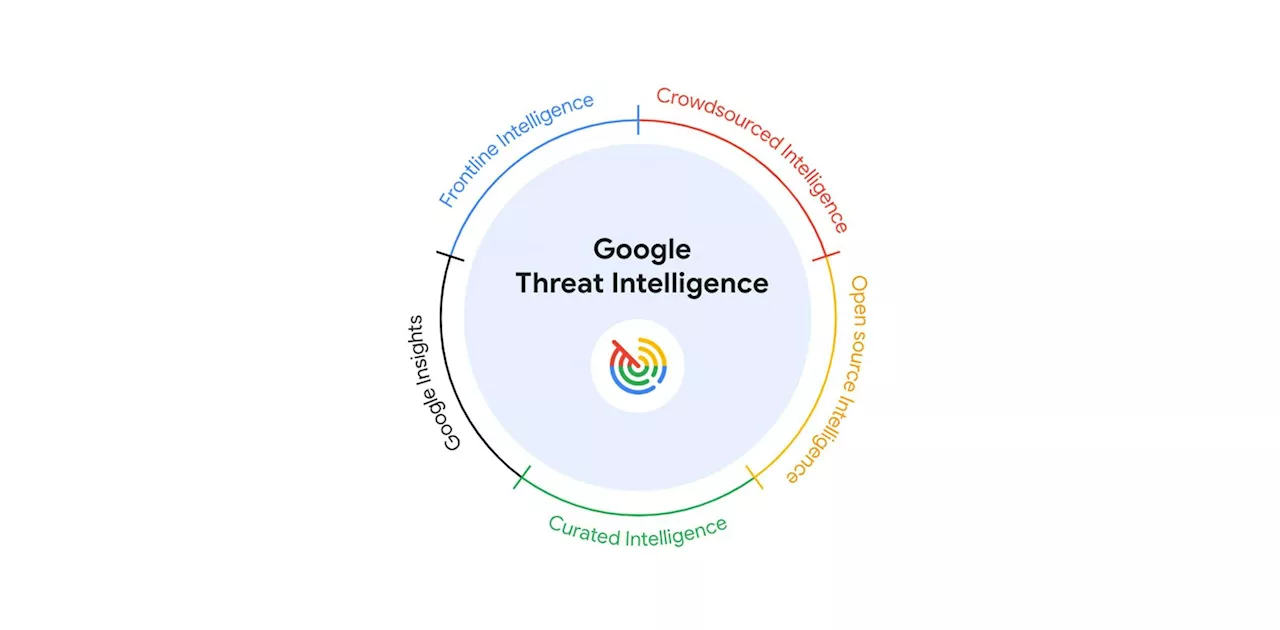 Actionable Threat Intelligence at Google Scale: Meet Google Threat Intelligence Powered by GeminiGoogle Threat Intelligence provides unparalleled visibility into the global threat landscape.
Read more »
 Google Gemini AI might be reading your private Google Drive filesA Google Gemini user found the AI has been reading Google Drive docs it shouldn't have access to. Disabling the feature seems impossible.
Read more »
 Shutting Down Coal & Gas By Steps, Slides, & Substitutions – India Utilities Seminar Transcript & SlidesThe latest installment of my India utilities seminar series was on the strategic reduction of coal's negative externalities while ensuring a reliable grid.
Read more »
 Google is set to supercharge Google Home with Gemini intelligenceNest cameras, Nest smart speakers, and Nest Hub smart displays will gain Gemini intelligence later this year as Google brings AI-powered features to Google Home and Google Assistant.
Read more »
 Google announces 'Made by Google' Pixel and Gemini After Party with celebrities and special guestsJohanna 'Jojo the Techie' is a skilled mobile technology expert with over 15 years of hands-on experience, specializing in the Google ecosystem and Pixel devices. Known for her user-friendly approach, she leverages her vast tech support background to provide accessible and insightful coverage on latest technology trends.
Read more »
 Gemini Live: Google AI gets voice chat like GPT-4o, plus 8 more new featuresGoogle announced new Gemini AI features during the Pixel 9 launch event, including Gemini Live, a sophisticated Gemini voice mode.
Read more »