
Cloning a hard drive is a great way to get your PC back up and running. Here's how to do it with a great free app.
Cloning your hard drive or SSD is a straightforward way to bring all your data, apps, and settings over to a new drive. That lets you get all the benefits of a new drive, like faster performance, greater capacity, and more advanced features, without having to install everything from scratch.
And with the right tool, you don't even need to pay anything.Recommended Videos Difficulty Moderate Duration 1 hour What You Need Before you beginThis guide will assume you have a drive you're cloning from and a drive you're cloning to , and that both are installed and ready for use. If they aren't, check out our guides on how to buy an SSD, and how to build a PC -- or install an SSD in your laptop. Before you get started, just double check that there isn't any data on the destination drive. If there is, and it's important, make sure you back it up, as that drive will be completely wiped as part of the cloning process. How clone a hard driveThere are a number of great disk cloning applications out there, but to make this guide as widely useful as possible, we'll be using the free version of Disk Genius. There are paid-for versions which you can get for a one-off fee and add additional features, but they aren't necessary to clone a hard drive. Step 1: Download DiskGenius from the official website, and install it like you would any other application. Take note of its specific instructions about where to install the app -- IE. Not on the destination drive. Step 2: Launch DiskGenius. It'll open its main partition view, breaking down each of your drives into their respective partitions, and giving you lots of information about your various capacities and installations. Make sure that both your source drive and destination drive are listed. Then, when ready, select Tools from the top-bar menu, followed by Clone Disk.Step 4: Select the destination drive where you want to copy the data, then select OK. Double check you're selecting the right drive, too, as the last thing you want to do is clone your drive over the top of important existing data. If you select a drive with a bootable Windows installation, it will suggest you do a system migration, instead. If that's applicable to you, follow the on-screen instructions for that. The process is very similar to cloning, but with just a couple of extra, straightforward steps. Step 5: On the final screen, double check that the selected drives are the right ones, then tell it what to copy. Copying all files will be available whatever the drive sizes, but if you're cloning onto a larger destination drive, you can also copy over the sectors and partition layout.Step 7: Select how you want the cloning to take place. The first option, is"Hot migration," where it clones the drive while it's active. If you'd rather it closed everything down first, and makes a partition inaccessible during the cloning process to guarantee the sanctity of the data, select Lock and Execute. Step 8: Wait for the cloning process to finish. Depending on the size and speed of your drives, this can take some time.
Clone Copy Hard Drive SSD Tier 4
United States Latest News, United States Headlines
Similar News:You can also read news stories similar to this one that we have collected from other news sources.
 Today in History: July 5, Dolly the sheep marks cloning breakthrough1811: Venezuela declares independence from Spain 1947: Doby is the first Black payer in the AL 1994: Jeff Bezos founds Amazon
Read more »
 Today in History: Dolly the sheep marks cloning breakthroughOn July 5, 1996, Dolly the sheep, the first mammal cloned from an adult somatic cell by scientists at the Roslin Institute at the University of Edinburgh, was born.
Read more »
 The Samsung 990 1TB SSD is nearly half off in this early Prime Day dealThis 1TB Samsung SSD is down to just $79, down $71 from its usual price point of $150. It's the Samsung 990 Evo SSD. This is early Prime Day deals for you.
Read more »
 Star Wars Finally Explains Why Cloning Force Powers Is So HardMolly Brizzell is a Star Wars Editor for Screen Rant, drawing upon her life-long love of the franchise that&039;s only grown more and more over the years.
Read more »
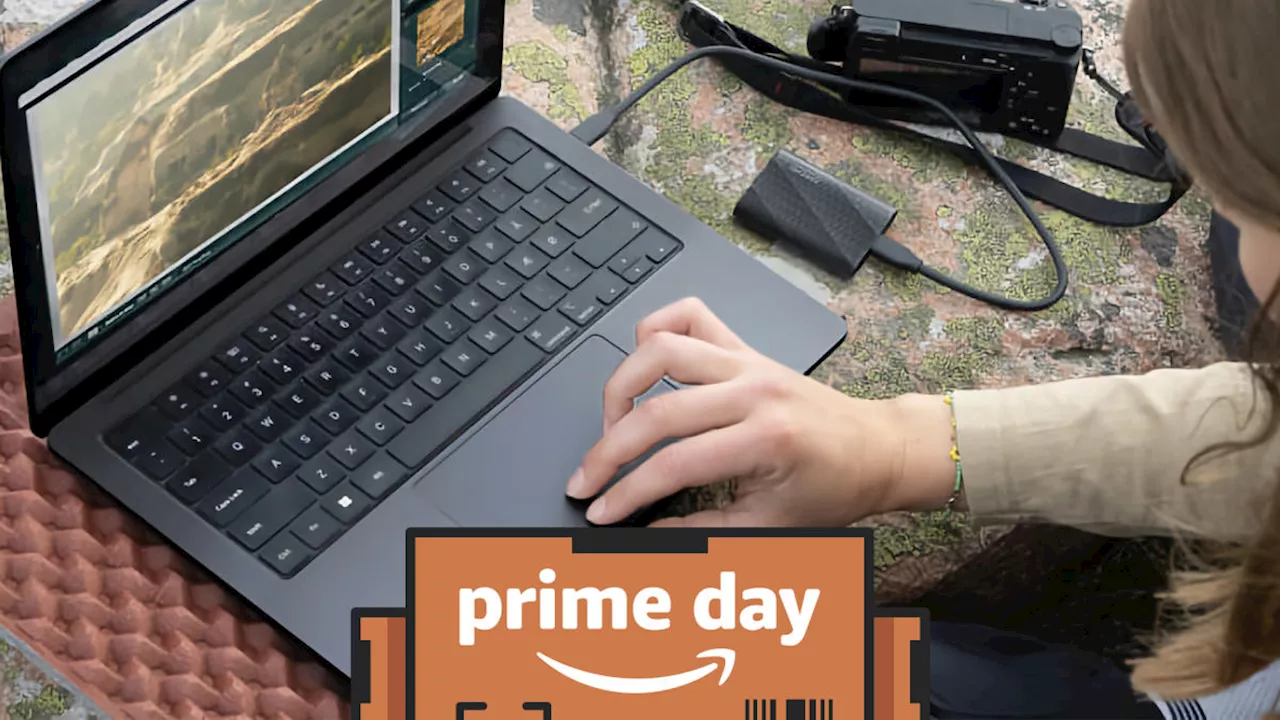 The best Prime Day SSD deals for 2024Valentina Palladino has been writing about consumer tech for over a decade, focusing on smartwatches, fitness trackers, laptops, smart home gadgets and accessories.
Read more »
 Opinion: AI voice cloning is the latest threat to election integrityVoters can protect themselves from robocall attacks used by malign actors to influence elections.
Read more »