
OnePlus has made a memory box feature for phones that saves content and lets you recall it with natural language terms. I tested it and it left me impressed.
The idea of a truly helpful digital assistant has caught more steam ever since products like ChatGPT landed on the scene. Google’s Gemini has inched pretty close to the dream, finding a spot in all the software lanes that a person visits on a daily basis.
From Gmail to Maps, it’s now everywhere. On the flip side, all interactions with an assistant aren’t as convenient as one might expect. AI errors are still a problem, and the contextual memory often goes haywire, as well. Plus, some of the most advanced capabilities, such as Project Mariner or ChatGPT operator, are either limited or come at a steep premium. Recommended Videos Not every smartphone user is psyched about getting an AI subscription. So, what’s the middle ground? According to OnePlus, start at the basics and keep it simple. OnePlus AI, as the company likes to call it, sounds like a solid strategy with a healthy bunch of meaningful tricks. And after trying it out on the OnePlus 13s, I hope the formula is emulated on iPhones, as well. Related A key to the mind OnePlus has replaced the iconic two-stage alert slider from its latest compact phone, substituting it with a button that does a lot more. Think of it as the Action Button on current-gen iPhones, with similar functional dexterity, but with an extra trick in tow. That new trick is AI Plus Mind. Think of it as a dedicated memory box for everything that you deem important and want quick access to in the near future. Quick snaps of a poster, screenshot, article, social media post, or virtually anything appearing on the screen. All you need to do is tap the new Plus Key on the left edge to activate the AI analysis, and you’re good to go. You stay on the same screen without any interruption to your ongoing task, while the rest is saved in the background. In the AI Plus Mind, everything that you save is neatly sorted by date, and then cataloged across categories at the top, such as photos, social media apps, calendar, browser, and more. One of my biggest daily challenges is organizing ideas, which are usually scattered across hundreds of screenshots, browser bookmarks, synced collections, and messages to myself across different apps. Finding them is a hassle, but AI Plus Mind addresses that in a neat fashion. You see, AI Plus Mind doesn’t merely save content, but analyzes it all, including text and images. It also performs optical character recognition to detect text in photos, and then creates a summarized version of it, as well. Moreover, depending on the context, it can pull the full details, as well. For example, when I saved a picture of my Calendar appointments, the AI copied every entry with the correct name and timing, listing it as such. I just copied and shared it with my manager to keep them updated on my availability. Alternatively, it also automatically turned my schedule saved in a notes app, and created a shortcut for each one in the app. All I had to do was tap on the add button, and it was saved to my Calendar. The text and character recognition capabilities come in handy in a few more scenarios. For example, if you’re reading an article on the internet, and want to quickly save it for later reading, you don’t have to go through the hassle of bookmarking it, or copy-pasting the URL elsewhere. Just press the Plus Key to save a snapshot. The saved memory will include a screengrab, a short summary of the article, and most importantly, a quick link at the top that takes you directly to the same article. Now, let’s say you save a lot of content from the web, but struggle with recall. This is where the AI analysis jumps into action again. More than a memory box Whatever content is saved into AI Plus Mind is analyzed for text and media, which is subsequently added and turned into a search block. So, even if you have a vague memory of what you saved days ago, you can search for it using broad descriptions. So, for example, a photo of my brother wearing a black shirt was saved alongside an AI-generated visual description. The next time I wanted to access it, I simply typed black in the search box and found the image. This trick works for tickets, bills, and more such stuff. AI Plus Mind also does a fantastic job of analyzing chats. Since my work is spread across multiple communication channels, I often lose track of important chatter, and the terrible search system in these apps doesn’t help either. Over the past few days, I’ve saved a few snapshots of such important chats in the AI Plus Mind. So far, it has done a decent job of summarizing what the chat is all about, picking up names and events discussed in the conversation with a high degree of accuracy. Afterwards, it was easy to just search those conversations with relevant words. Overall, I think it’s a lovely and extremely convenient implementation of an AI tool that makes saving and recalling information a breeze. Why Apple needs to take note In addition to AI Plus Mind, OnePlus’ AI stack will also add tools like automatic voice call translation, transcription, and summarization. Capabilities such as text, live voice, camera-driven analysis, and screen translation will also be condensed into a universal AI app. A few fun editing tools will also be introduced to jazz up pictures. I am most excited about the system-wide AI search feature. Using natural language words, users will be able to look up local files, settings, notes, and calendars for contextually relevant results on their phone. Moreover, Google’s Gemini will be integrated across native OnePlus apps such as Notes and Calendar. AI Mind Space, of course, remains the standout element, and a bit of a privacy scare. The approach is almost identical to Recall on Windows 11, but at the same time, unique for a mobile device. OnePlus says it relies on a Trusted Execution Environment and Private Computing Cloud to save user data. Arthur Lam, Director of OxygenOS and AI Strategy at OnePlus, tells me that the company will process sensitive information exclusively on the device. I’m expecting this to cover identity cards, banking details, and more such content, but I’m awaiting more clarity on that. There’s no hard-coded list in place for now, Lam told me. I’ll have more to talk about the OnePlus 13s in another article, but for now, I’ve been thoroughly impressed by the company’s AI approach. It’s neither too flashy nor needlessly aggressive. Above all, with the AI Plus Mind, it is solving a practical problem that has remained unaddressed in the smartphone ecosystem. So far, Apple’s implementation of AI on the iPhone has remained hobbled. In its current state, it piggybacks on ChatGPT for tasks that Siri can’t handle. It’s funny to see Gemini doing better on iPhones than Apple Intelligence. I am hoping that Apple takes note of OnePlus AI, and distills some of the inspiration in future iOS builds.
Ai Artificial Intelligence Iphone Oneplus Oneplus 13S
United States Latest News, United States Headlines
Similar News:You can also read news stories similar to this one that we have collected from other news sources.
 The compact OnePlus 13s flagship is officially coming 'soon' to India and other marketsAdrian, a mobile technology enthusiast since the Nokia 3310 era, has been a dynamic presence in the tech journalism field, contributing to Android Authority, Digital Trends, and Pocketnow before joining PhoneArena in 2018. His expertise spans across various platforms, with a particular fondness for the diversity of the Android ecosystem.
Read more »
 3 reasons I’m excited for the upcoming OnePlus 13SThe OnePlus 13S brings a unique proposition of powerful performance and big battery in a compact form factor.
Read more »
 OnePlus 13s ditches the slider for a smarter button Apple users will recognizeTsveta, a passionate technology enthusiast and accomplished playwright, combines her love for mobile technologies and writing to explore and reveal the transformative power of tech.
Read more »
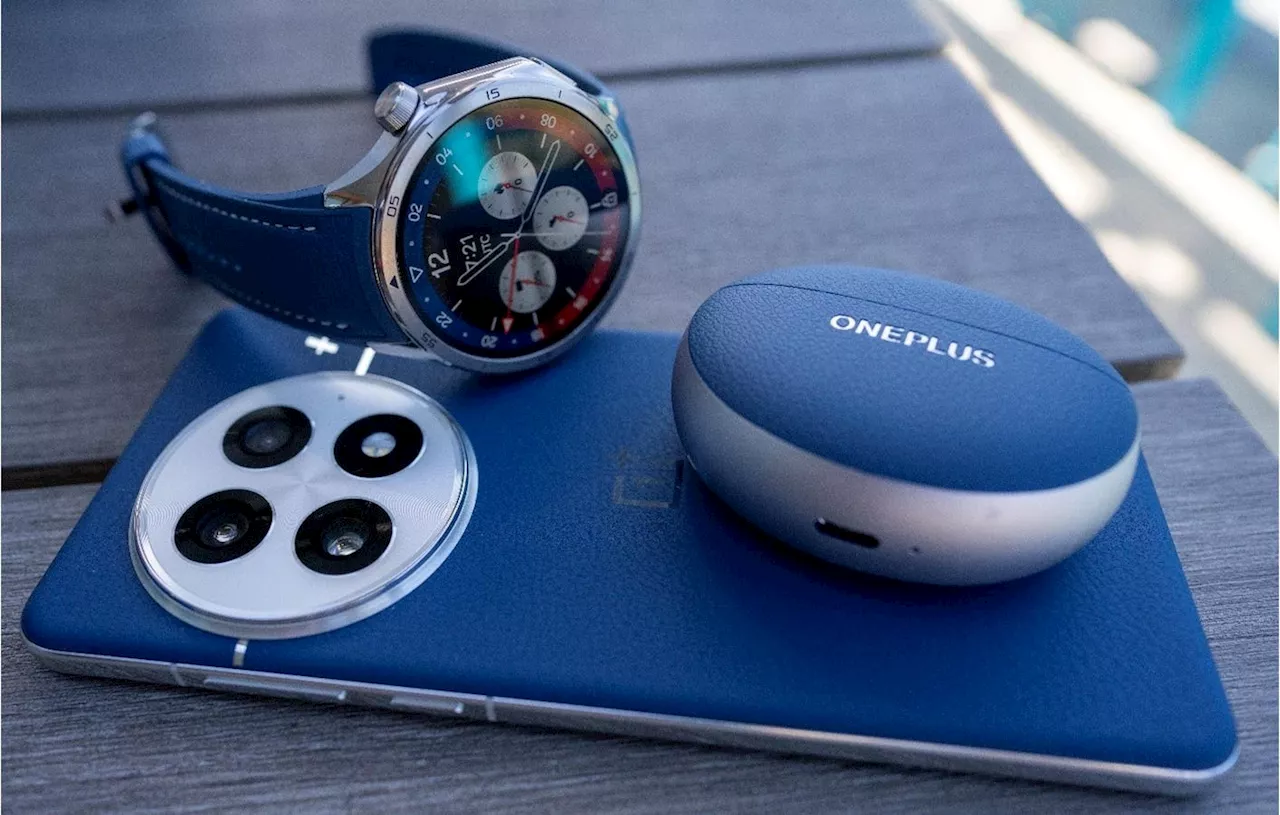 The OnePlus Watch 3 Completes The OnePlus Mobile EcosystemOnePlus has been building one of the most coherent and competitive ecosystems in the Android universe, and the Watch 3 helps this ecosystem stack up well against Samsung.
Read more »
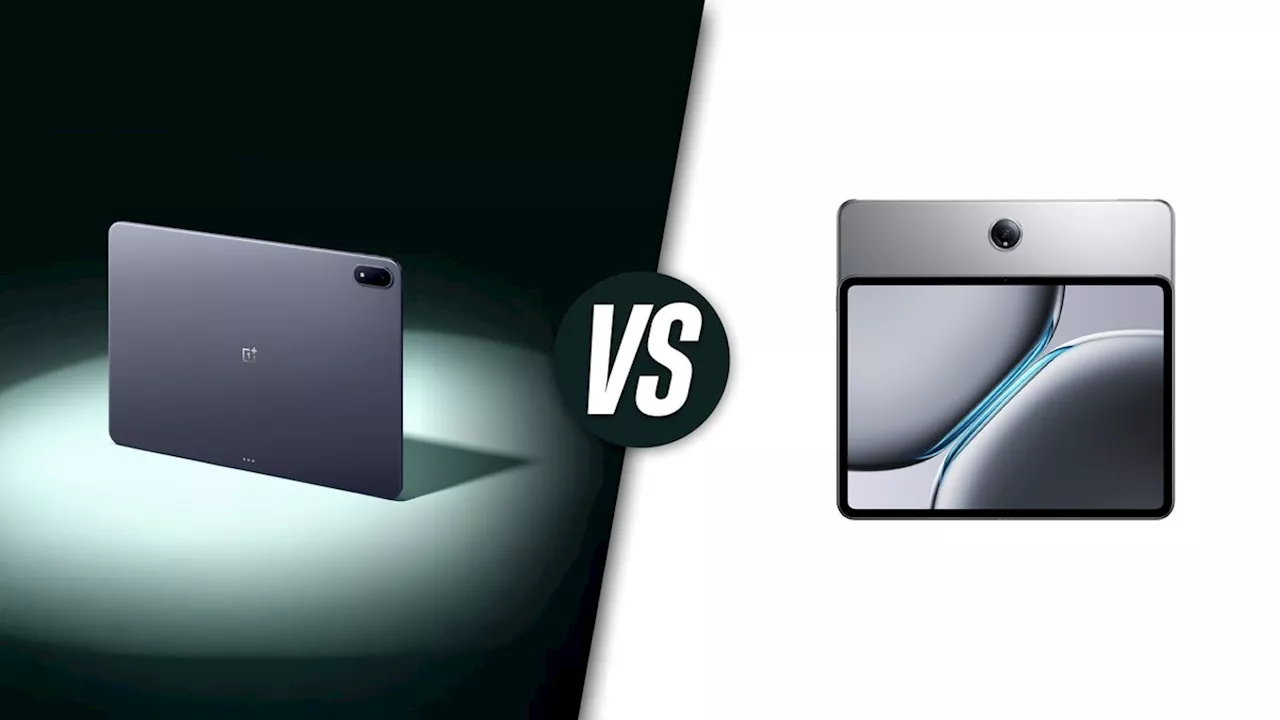 OnePlus Pad 3 vs OnePlus Pad 2: All the differences explainedAleksandar is a tech enthusiast with a broad range of interests, from smartphones to space exploration. His curiosity extends to hands-on DIY experiments with his gadgets, and he enjoys switching between different brands to experience the latest innovations.
Read more »
 OnePlus 13s brings big features in a small body – and locks them to one market onlyTsveta, a passionate technology enthusiast and accomplished playwright, combines her love for mobile technologies and writing to explore and reveal the transformative power of tech.
Read more »