
Learn how to prevent the deletion of your Google Maps Timeline data scheduled for 2025 and keep your inactive Google accounts from being deleted in 2023.
Although many might think of Google as the ultimate data-gobbling corporation, it is actually on a data-deleting purge right now. Users of Gmail, Google Photos, and Google Maps need to know how to save their data. Google Maps Timeline data will be deleted in 2025 unless users take action. The exact date varies, but emails warn of May and June deadlines. The Timeline feature, formerly known as location history, contains saved visit and route data. Google says the move is security-related.
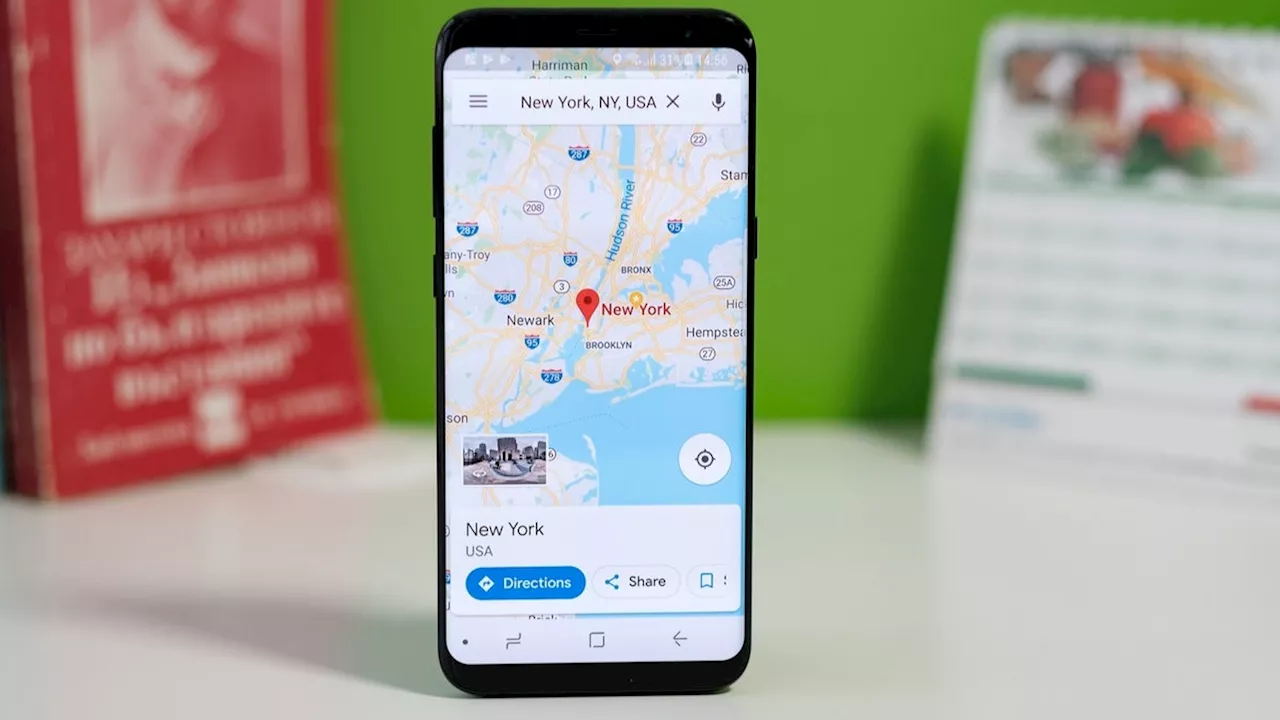
Timeline data is being relocated from Google's cloud servers to on-device storage, benefiting from improved smartphone security. Visit your Timeline to see a popup informing you of the changes. Google says to download the Google Maps app to move your data to your device and keep your location history. Google accounts inactive for two years or more will be deleted in 2023, along with their data. This purge is also for security reasons. Google says inactive accounts are less likely to have 2-step verification set up, making them more vulnerable to compromise. To ensure your accounts aren't deleted, simply use them
Google Data Deletion Google Maps Timeline Google Account Deletion Security
Trending
 A gorgeous April afternoon in store across the Denver metro area
  ‘Artemis Mission Cannot Lead To Interplanetary Wild West,’ Astronomer Warns
  Trump says US forces will ‘finish the job’ soon in first prime-time speech since starting Iran war
  Former Wisconsin football player, who left the sport amid mental health struggles, dead at 24
  Drew McIntyre Gives Honest Take About His Recent WWE Title Reign
  U.S. Sen. Bernie Sanders introduces bill that could keep the Padres in San Diego
 United States Latest News, United States Headlines
Similar News:You can also read news stories similar to this one that we have collected from other news sources.
 Google just removed speed traps from Google Maps, but don’t panicGoogle made a big change to the incident reports feature in Google Maps, replacing speed traps with a more generic police identifier.
Read more »
 Waze incident reports are now appearing in Google MapsDT Video
Read more »
 Google Maps users now receive incident notifications from the Waze communityAlan, an ardent smartphone enthusiast and a veteran writer at PhoneArena since 2009, has witnessed and chronicled the transformative years of mobile technology. Owning iconic phones from the original iPhone to the iPhone 15 Pro Max, he has seen smartphones evolve into a global phenomenon.
Read more »
 Brian Thompson Shooting Timeline, Maps Show How Killing UnfoldedNo information on a motive for the killing has been released, but police said they believe the shooting was 'targeted.'
Read more »
 Maps show timeline of UnitedHealthcare CEO killer's movements and escapeAs the manhunt continues for who shot UnitedHealthcare CEO Brian Thompson, here's a look at the gunman's movements.
Read more »
 How to plan the perfect road trip in Google MapsDavid Nield is a freelance contributor at Popular Science, producing how to guides and explainers for the DIY section on everything from improving your smartphone photos to boosting the security of your laptop. He doesn't get much spare time, but when he does he spends it watching obscure movies and taking long walks in the countryside.
Read more »